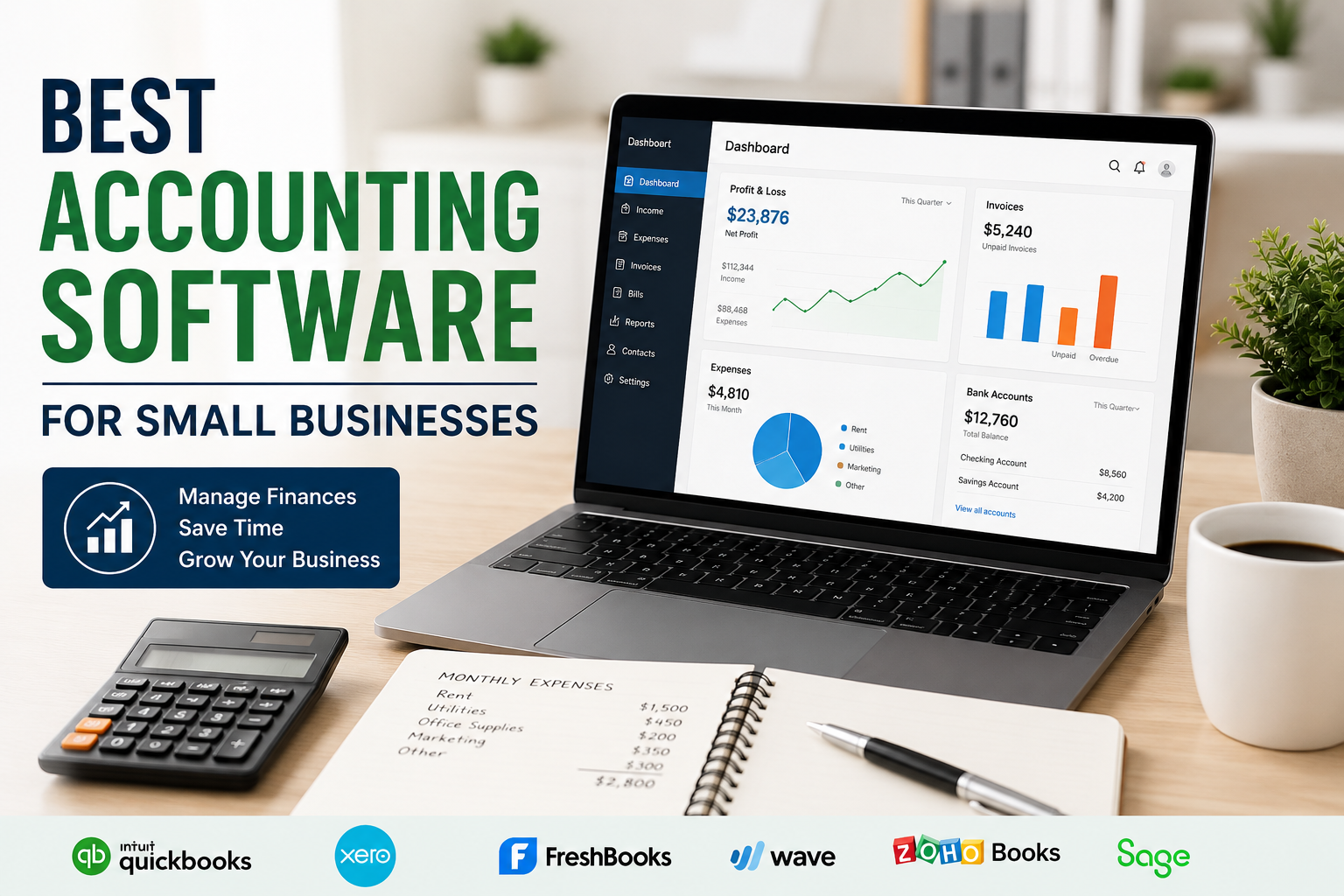
Running a small business is not always easy. In my experience, one of the most important parts of managing a business is keeping the finances organized. Sales, expenses, invoices, payments, taxes, and employee costs can quickly become confusing when everything is managed manually. This is where accounting software can make a big difference.
Today, there are many accounting software options available for small businesses. Some are designed for freelancers, while others are better for growing companies with employees and more complicated financial needs. Choosing the right software depends on your budget, business size, accounting knowledge, and the features you actually need.
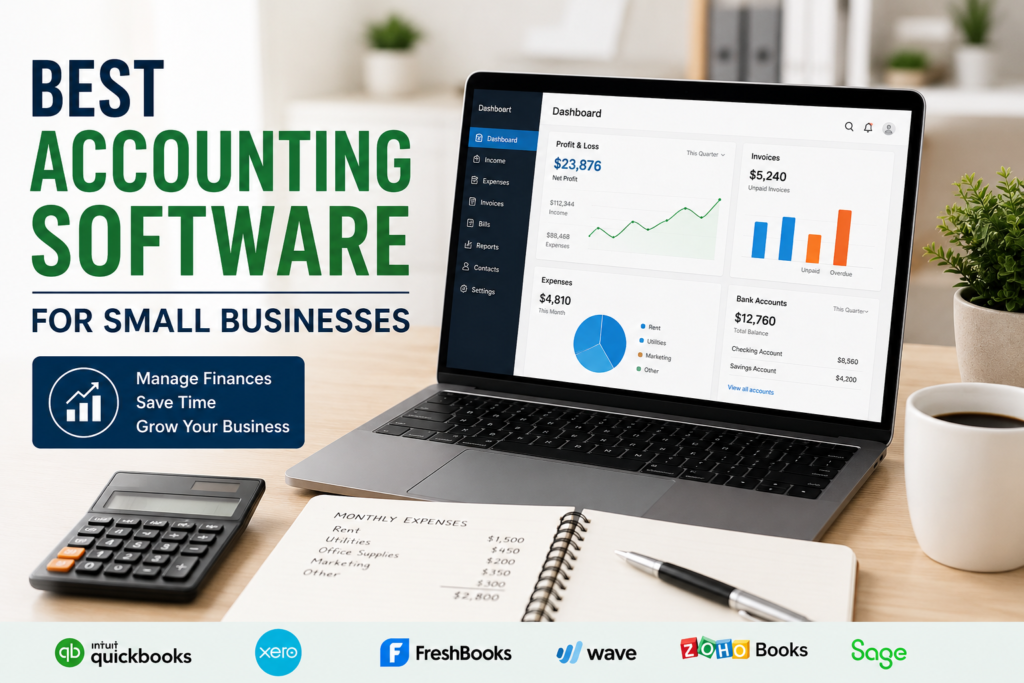
In this article, I will discuss some of the best accounting software for small businesses and explain what makes each option useful. I will also share the things I personally think you should consider before choosing accounting software.
Why Small Businesses Need Accounting Software
Before choosing software, I think it is important to understand why accounting software is useful in the first place.
When a business is small, the owner may try to manage everything using notebooks or spreadsheets. This can work for a very simple business, but problems usually appear as the business grows. You may forget to record an expense, lose an invoice, or make a mistake while calculating your income.
Accounting software helps organize financial information in one place. It can track income and expenses, create invoices, monitor payments, generate reports, and sometimes help prepare information for tax filing.
Another benefit I have noticed is that accounting software can save time. Instead of spending hours calculating everything manually, many tasks can be automated.
1. QuickBooks Online
QuickBooks Online is one of the most well known accounting solutions for small businesses. It offers a wide range of accounting features and can be accessed through a web browser.
One thing I like about QuickBooks Online is its broad feature set. You can track income and expenses, create invoices, manage bills, monitor cash flow, and generate financial reports.
It can also connect with many other business tools. This can be useful when you are managing payments, payroll, inventory, or other business operations.
The interface is designed for business owners who may not have advanced accounting knowledge. However, beginners might still need some time to understand all of its features.
For a small business that expects to grow, I think QuickBooks Online is worth considering because it can handle more complicated accounting needs as the business develops.
2. Xero
Xero is another popular accounting platform that is especially useful for small businesses and growing companies.
Xero provides features for invoicing, expense management, bank reconciliation, financial reporting, and cash flow management. It also supports collaboration with accountants and other financial professionals.
One feature I find particularly useful is the ability to connect business bank accounts. This can make it easier to keep financial records updated.
Xero also has a clean and modern interface. For someone who wants accounting software that feels less complicated, this can be a major advantage.
I would consider Xero a good choice for businesses that want strong accounting features while also needing collaboration with an accountant or bookkeeper.
3. FreshBooks
FreshBooks is particularly popular among freelancers, consultants, and service based small businesses.
The software focuses heavily on invoicing and getting paid. You can create professional invoices, track expenses, monitor payments, and record the time spent working on projects.
I think FreshBooks is a good option if your business mainly provides services rather than selling large amounts of physical products.
Its interface is relatively easy to understand, which can be helpful for someone who does not have an accounting background.
For example, if you are a freelance designer, writer, developer, or consultant, you may find FreshBooks more comfortable than software designed primarily for larger companies.
4. Wave
Wave is another accounting option that many small businesses and freelancers consider because of its simple approach.
It provides tools for accounting, invoicing, and financial management. Depending on the services available in your region, some features may be offered without a monthly subscription.
What I like about Wave is that it can be a practical starting point for very small businesses that are trying to control their expenses.
However, I would always recommend checking the current features and availability in your country before choosing it. Accounting software services can differ depending on location.
If your business is small and your accounting requirements are basic, Wave may be worth exploring.
5. Zoho Books
Zoho Books is part of the larger Zoho business software ecosystem. It provides accounting features for small and growing businesses.
You can use it to manage invoices, expenses, bills, payments, and financial reports. It can also work alongside other Zoho products.
This can be especially useful if you already use Zoho applications for customer management, business communication, or other operations.
From my point of view, Zoho Books is an interesting option for businesses that want accounting software that can become part of a larger business management system.
Its features can support businesses as they grow, although beginners may need some time to become familiar with the platform.
6. Sage Accounting
Sage has been providing business and accounting software for many years. Its accounting products are designed for businesses that need tools for managing finances and keeping organized records.
Sage Accounting can provide features such as invoicing, expense tracking, cash flow management, and financial reporting.
I think Sage is worth considering if you want a platform from an established accounting software provider.
The exact features and pricing can vary by plan and location, so I recommend checking the current options before making a decision.
7. Kashoo
Kashoo is designed with small businesses and entrepreneurs in mind. It focuses on making accounting easier for people who may not be professional accountants.
The software can help with income and expense tracking, invoicing, and financial organization.
What I like about this type of software is its focus on simplicity. Small business owners often do not need hundreds of complicated features. They need to know how much money is coming in, how much is going out, and whether the business is financially healthy.
For a small operation with straightforward accounting needs, a simple platform can sometimes be a better choice than a large and complicated system.
Important Features to Look For
When I choose software for any business task, I try to focus on practical features instead of simply choosing the software with the longest feature list.
For accounting software, I recommend looking for reliable income and expense tracking. This is one of the basic functions you will use regularly.
Invoicing is also important. Your software should make it easy to create professional invoices and keep track of whether customers have paid.
Bank integration can save a lot of time because transactions can be imported and categorized more easily.
Financial reports are another important feature. Reports can help you understand revenue, expenses, profit, and overall business performance.
If you have employees, you may also need payroll features. However, payroll rules can vary by country, so make sure the software supports your local requirements.
Tax support is also worth considering. Good accounting software can help organize financial information, but you should not assume that software automatically handles every tax obligation correctly.
How to Choose the Right Accounting Software
I believe the best accounting software is not necessarily the one with the most features. It is the one that fits your business.
First, think about the size of your business. A freelancer with a few clients may need much less than a company with employees and hundreds of transactions.
Next, consider your accounting knowledge. If you are not familiar with accounting, choose software with a simple interface and useful guidance.
Your budget is also important. Compare the subscription price with the features you actually need.
I also recommend checking whether the software works properly in your country. Some accounting platforms have different features, payment options, tax tools, or pricing depending on location.
Finally, think about future growth. If you expect your business to grow quickly, choosing software that can handle additional customers, employees, transactions, and reports can save you from changing systems later.
Cloud Accounting vs Desktop Accounting
Another decision you may need to make is whether to use cloud based or desktop accounting software.
Cloud accounting allows you to access your financial information through the internet. This can be convenient if you work from different locations or want your accountant to access the same records.
Desktop software is installed directly on a computer. Some businesses still prefer this approach because they want their accounting information stored locally.
Personally, I think cloud accounting is more convenient for many modern small businesses because it makes collaboration and access easier. However, the right choice depends on your business requirements and internet access.
Final Thoughts
Choosing the best accounting software for a small business can feel confusing because there are so many options available. In my opinion, the most important thing is to focus on your actual business needs instead of choosing software simply because it is popular.
QuickBooks Online can be a strong option for businesses that want a broad set of accounting features. Xero is useful for businesses that value collaboration and modern financial management. FreshBooks can be a good fit for freelancers and service providers. Wave may appeal to very small businesses looking for a simple and affordable starting point. Zoho Books can be interesting for businesses already using other Zoho products, while Sage and Kashoo are also worth considering depending on your requirements.
Before making a final decision, I recommend checking the latest pricing, available features, local tax support, integrations, and customer support for your country.
Good accounting software should make your business life easier, not more complicated. Once your financial records are organized, you can spend less time worrying about numbers and more time focusing on customers, improving your services, and growing your business.