Freelancing gives me a lot of freedom, but it also comes with a responsibility that is easy to overlook. When I work for myself, nobody is standing behind me and asking how many hours I have worked today. I have to manage my own time, organize my projects, communicate with clients, and make sure that I am actually earning enough from the hours I put in.
This is where free time tracking software can be extremely useful.
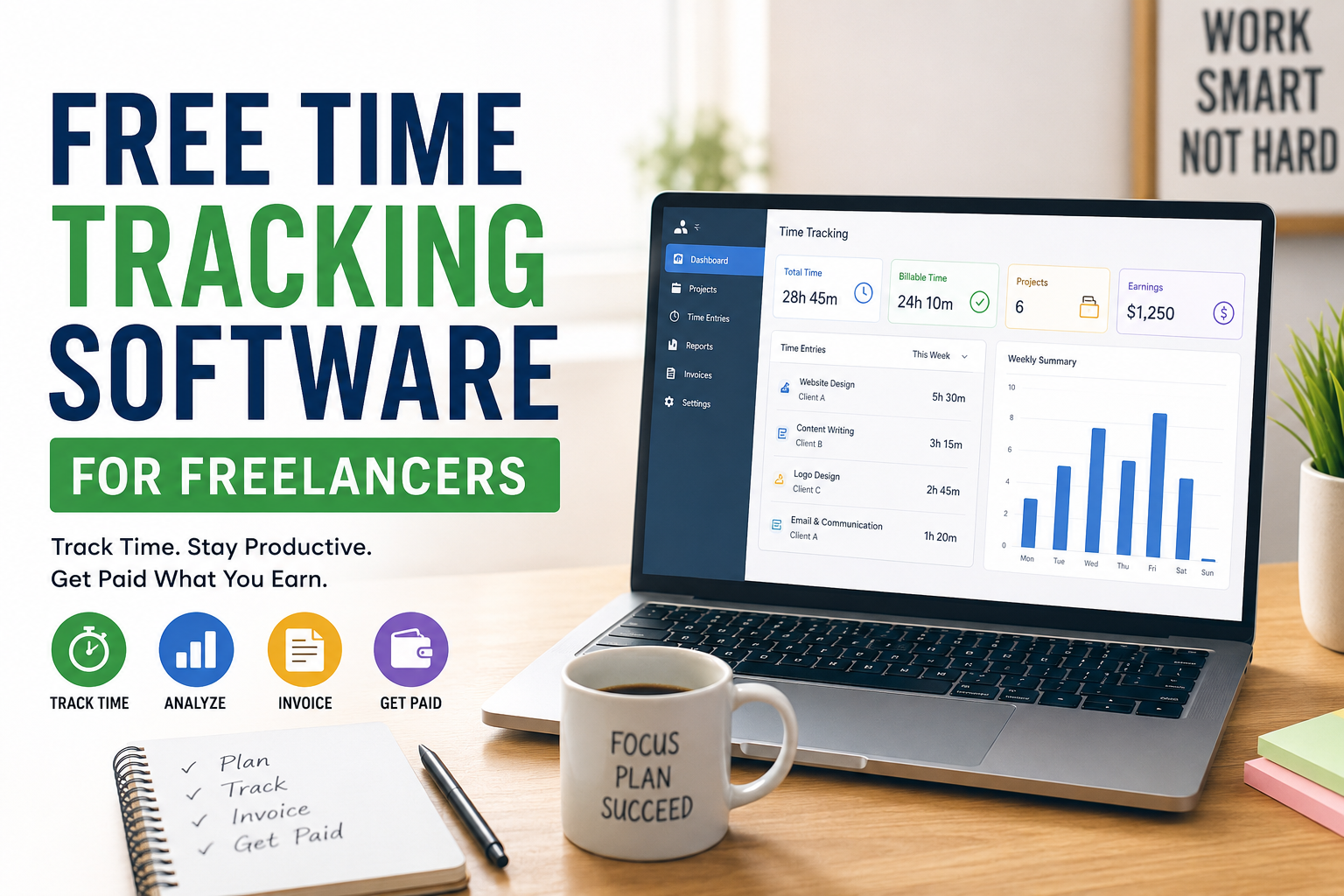
I personally think time tracking is one of the simplest ways for freelancers to understand where their working hours are going. It can help me track projects, record billable hours, prepare invoices, understand my productivity, and avoid spending too much time on tasks that do not bring real value.
The good thing is that I do not always need to pay for expensive software. There are several free time tracking tools that offer enough features for freelancers who are just starting out or working with a small number of clients.
What Is Time Tracking Software?
Time tracking software is a tool that records how much time I spend working on different tasks or projects. Instead of guessing how long a project took, I can use a timer or manually enter my working hours.
For example, if I am designing a website for a client, I might spend two hours researching, three hours designing, one hour communicating with the client, and two hours making revisions. A time tracking tool can record these hours and organize them under the correct project.
This becomes especially useful when I charge clients by the hour.
Even when I charge a fixed project price, tracking my time can still be valuable. It helps me understand whether the project was actually profitable. If I charge $300 for a project and spend 30 hours completing it, I can see that my effective hourly rate was only $10.
Without tracking my time, I might never notice this problem.
Why Freelancers Should Track Their Time
I believe freelancers should track time for more than just billing clients. It can completely change the way I understand my work.
The first benefit is better productivity. When I know that my work time is being recorded, I become more conscious about what I am doing. I am less likely to spend an hour scrolling through social media when I know that the timer is running for a specific client project.
Another benefit is accurate billing. If a client asks me to provide a record of the hours worked, I can give them a clear report instead of trying to remember everything at the end of the week.
Time tracking can also help me estimate future projects. After completing several similar projects, I can look at my previous records and make better estimates.
For example, if I discover that I normally spend around 12 hours writing a detailed website article, I can use that information when planning my next project.
Features I Look For in Free Time Tracking Software
Not every free time tracking tool is the same. Before choosing one, I think freelancers should look at the features included in the free plan.
Simple Timer
The most important feature for me is a simple timer. I want to click start when I begin working and stop when I finish.
The process should not be complicated. If the timer takes too many clicks to use, I am probably going to forget to track my work.
Project Tracking
Project tracking allows me to separate my working hours by client or project.
This is particularly useful when I have multiple clients. Instead of having one large list of working hours, I can see exactly how much time I spent on each project.
Manual Time Entries
Sometimes I forget to start a timer. It happens to almost every freelancer.
That is why I think manual time entry is important. I should be able to add the hours later and include a note about what I worked on.
Reports
Reports help me understand my working habits.
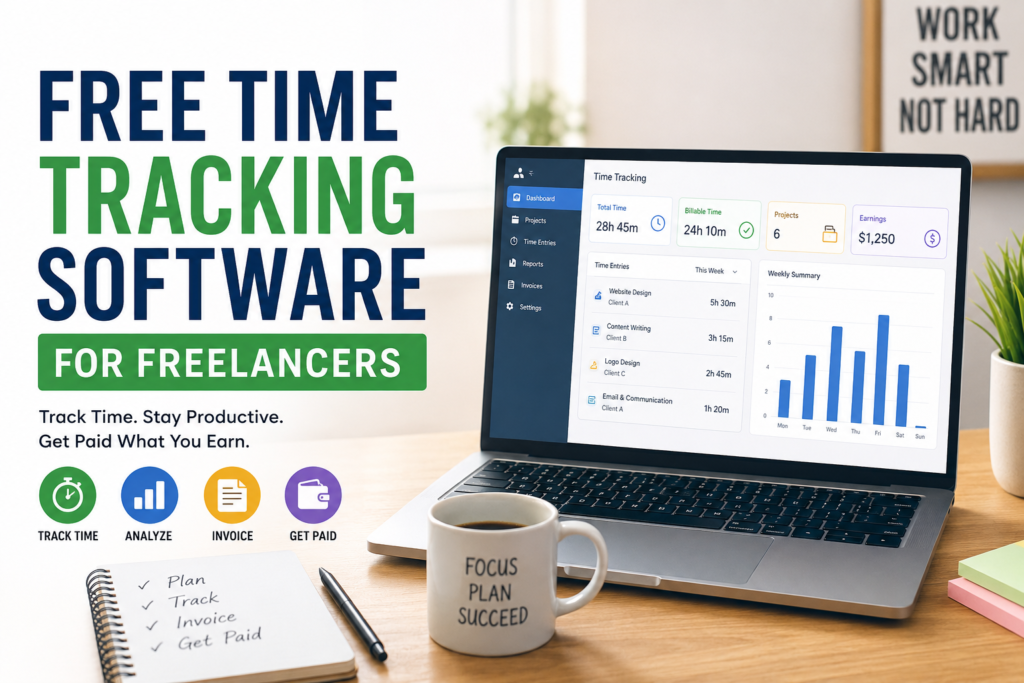
A good reporting feature can show total hours, project hours, billable hours, and sometimes daily or weekly activity. These reports can also be useful when communicating with clients.
Billable Hours
If I charge clients based on time, I need a way to separate billable work from non billable activities.
For example, reading a client email might be billable in some situations, while researching my own business might not be.
Multiple Projects
As a freelancer, I rarely work on only one thing. I might have a writing project in the morning, a website project in the afternoon, and an administrative task later.
Having multiple projects makes it easier to keep everything organized.
Best Ways to Use Free Time Tracking Software
Simply installing a time tracking tool is not enough. I have to develop a habit of using it correctly.
One method I recommend is creating a separate project for every important client.
For example, I might create projects called Client A Website, Client B Content, and Personal Business. Whenever I start working, I select the correct project and begin tracking.
I also recommend checking the time records at the end of every day.
This does not need to take more than a few minutes. I can quickly look at my entries and see whether everything was recorded correctly.
At the end of the week, I can review the total.
This gives me a much clearer picture of how I actually spend my working hours.
Free Time Tracking for Hourly Freelancers
For hourly freelancers, time tracking is almost essential.
If I tell a client that I worked 18 hours on a project, I should be able to explain where those 18 hours went.
A time tracking tool gives me a record that I can use when preparing invoices or answering client questions.
It also protects me from undercharging.
Sometimes I might think a task took only a few hours, but the actual record could show that I spent much longer on it. That information can help me improve my pricing in future projects.
Free Time Tracking for Fixed Price Projects
Some freelancers assume that time tracking is only useful for hourly work. I disagree.
I think it is even more useful for fixed price projects because it helps me measure profitability.
Imagine I agree to complete a logo design project for $200.
After finishing it, I discover that I spent 20 hours on the project. That means I effectively earned $10 per hour.
If I track time consistently, I can compare similar projects and gradually improve my pricing.
Over time, this can help me avoid projects that consume too much time for too little money.
How Time Tracking Can Improve Productivity
One of the biggest lessons I have learned from tracking time is that being busy does not always mean being productive.
I might spend eight hours sitting at my computer but only complete five hours of meaningful work.
Time tracking helps reveal this difference.
For example, I may discover that email communication, unnecessary meetings, social media, and repeated revisions are taking a large part of my day.
Once I know where the time is going, I can make changes.
Maybe I can set specific times for checking email. Maybe I can create clearer project requirements before starting. Maybe I can limit unnecessary meetings.
The software itself does not make me productive. The information it provides helps me make better decisions.
Things to Consider Before Choosing a Free Tool
The word free does not always mean that every feature is available.
Some tools provide a generous free plan but limit the number of projects, users, reports, or integrations.
That is why I recommend checking the free plan carefully before moving all my projects into a tool.
I would also consider ease of use.
A tool can have dozens of features, but if the interface is confusing, I may stop using it after a few days.
For freelancers, simplicity is often more valuable than having every possible feature.
Privacy is another thing I would consider. Time tracking software may collect information about my work activity, so I prefer understanding what information is stored and how it is handled.
Common Time Tracking Mistakes Freelancers Make
One common mistake is forgetting to start the timer.
Another is tracking everything but never reviewing the data.
If I spend weeks collecting time records but never analyze them, I am missing one of the biggest benefits of time tracking.
Another mistake is trying to track every tiny activity manually.
I prefer keeping the system simple. I track meaningful work and important project activities rather than turning time tracking into another full time job.
I also think freelancers should avoid becoming obsessed with the clock.
The purpose of tracking time is to understand my work better, not to make every minute stressful.
Is Free Time Tracking Software Enough?
For many freelancers, yes.
If I am working alone and only need basic project tracking, timers, manual entries, and reports, a free tool can be more than enough.
I would consider upgrading only when my business actually needs advanced features.
For example, a growing freelance business might eventually need team management, advanced reporting, payroll features, detailed invoicing, or integrations with other business applications.
Until then, there is no reason to pay for features I do not use.
My Final Thoughts
I think free time tracking software is one of the most practical tools a freelancer can use.
It does not matter whether I am a writer, designer, developer, virtual assistant, consultant, or marketer. Understanding where my working hours go can help me make better business decisions.
The biggest advantage is not simply knowing that I worked six hours today. The real advantage is understanding what those six hours produced and whether those hours were worth the money I earned.
For beginners, I would start with a simple free tool rather than choosing something complicated. Create projects for your clients, track your working hours consistently, review your records every week, and use the information to improve your workflow.
Over time, these small habits can make a noticeable difference.
For me, time tracking is less about watching the clock and more about respecting my time. As a freelancer, my time is one of my most valuable resources. When I understand how I spend it, I can price my services more intelligently, manage clients more effectively, improve productivity, and build a healthier freelance business.
That is why I believe free time tracking software is worth trying, especially if you are a freelancer who wants to become more organized without adding another expense to your business.