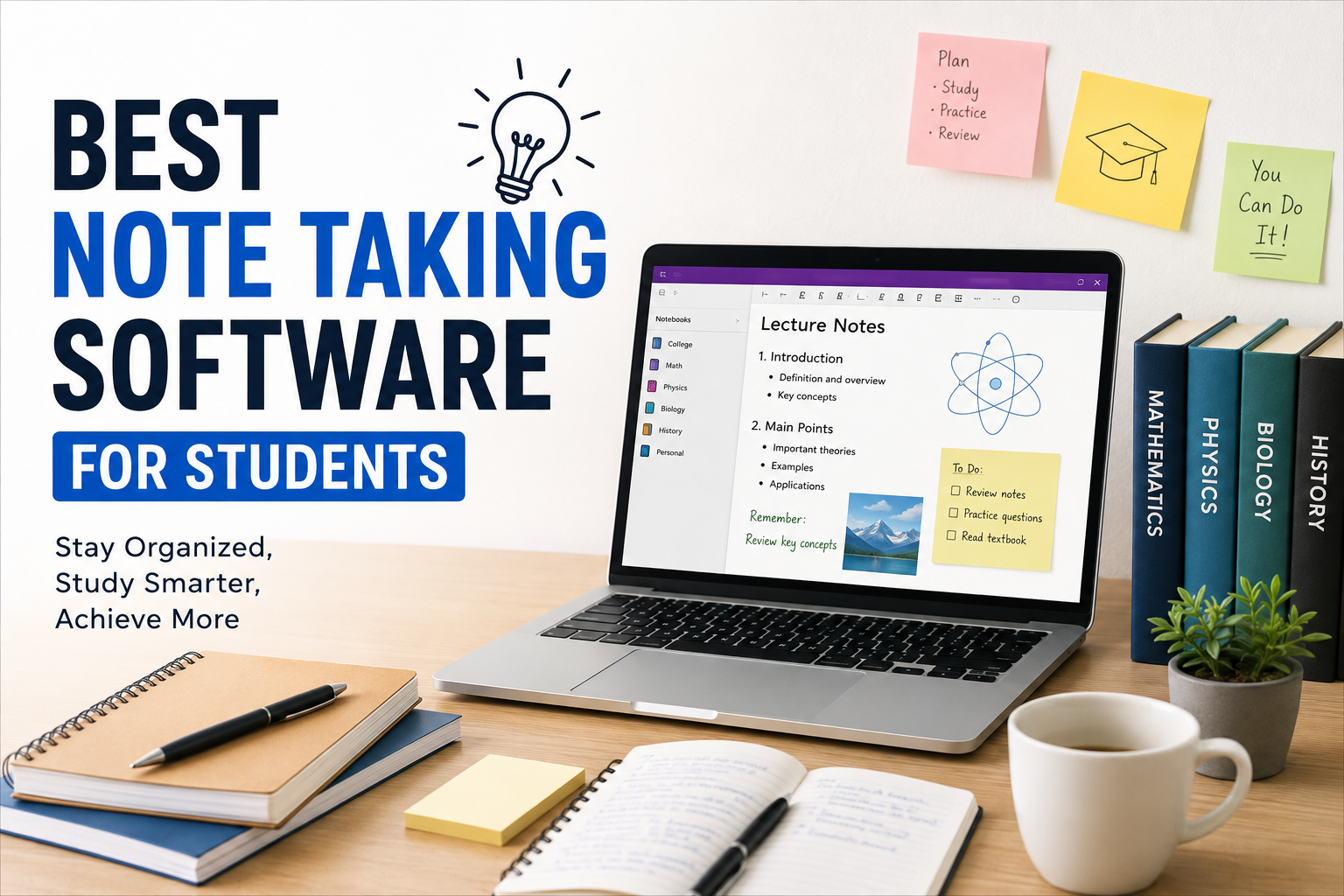
When I was a student, taking notes usually meant carrying a notebook everywhere and trying to keep up with everything the teacher was saying. Sometimes I would write too much, sometimes I would miss important points, and sometimes I could not even understand my own handwriting later. Today, students have a much better option because note taking software can make studying, organizing information, and reviewing lessons much easier.
I personally believe that the best note taking software is not necessarily the one with the most features. A good app should be simple enough to use every day, but powerful enough to keep notes organized. Students also need features such as search, folders, synchronization, reminders, attachments, and easy access from different devices.
In this article, I will discuss some of the best note taking software for students and explain what makes each option useful. My goal is to help students choose a tool that actually fits their study habits.
Why Students Need Good Note Taking Software
Taking notes is an important part of learning. Good notes help students remember information, prepare for exams, complete assignments, and review difficult topics.
The problem is that traditional notes can become difficult to manage. A student may have separate notebooks for different subjects, loose papers in a backpack, and important information stored in random places.
Note taking software solves many of these problems. Digital notes can be searched within seconds, organized into folders, edited whenever necessary, and synchronized across devices.
For example, if I write an important definition during a lecture and later forget where I wrote it, I can simply search for a keyword instead of going through dozens of pages.
Microsoft OneNote
Microsoft OneNote is one of the note taking applications I would recommend to students who want a flexible digital notebook.
The biggest advantage of OneNote is its notebook style organization. You can create notebooks, sections, and individual pages for different subjects. This makes it easy to separate mathematics, science, history, programming, or any other subject.
I also like the fact that OneNote supports different types of content. Students can type text, insert pictures, create drawings, add tables, and attach other information to their notes.
Another useful feature is synchronization. If you use OneNote on your computer and phone, your notes can remain available across devices.
For students who want something that feels similar to a traditional notebook but offers digital features, OneNote is worth considering.
Notion
Notion has become popular among students because it combines note taking with organization and productivity features.
What I like about Notion is its flexibility. Instead of simply creating pages for notes, students can build complete study systems. You can create subject pages, assignment trackers, reading lists, revision schedules, and study databases.
For example, I could create one main university dashboard and then create separate pages for every course. Inside each course, I could keep lecture notes, important links, assignment information, and revision material.
Notion can look slightly complicated when you first start using it. However, once you understand the basic system, it becomes a powerful tool for organizing academic life.
Students who enjoy customizing their workspace may particularly like Notion.
Google Keep
Google Keep is one of the simplest note taking options available.
I would not choose Google Keep if I wanted to create hundreds of pages of detailed academic notes. However, it is excellent for quick notes and reminders.
For example, if I suddenly remember an assignment idea while traveling, I can open Google Keep and write it down immediately. Students can also create checklists for homework, shopping, projects, or exam preparation.
Google Keep also supports colors and labels, which can help organize small pieces of information.
The simplicity is actually its biggest strength. There are not too many complicated features to learn, so students can start using it immediately.
Evernote
Evernote has been a well known name in digital note taking for many years. It is designed for people who want to collect and organize a large amount of information.
Students can use Evernote for lecture notes, research material, documents, images, and other study resources.
One feature I find useful is its search functionality. When you have a large collection of notes, finding old information quickly becomes extremely important.
Evernote can also be useful for students who work on research projects because they may need to collect information from different sources and keep everything organized.
However, students should check the current features and pricing before choosing Evernote because plans and available features can change over time.
Obsidian
Obsidian is a different type of note taking software. Instead of focusing mainly on notebooks and folders, it allows users to connect individual notes with links.
This can be particularly useful for students who study subjects where different ideas are connected.
For example, if I am studying computer science, I can create a note about programming, another about databases, and another about algorithms. I can then connect related concepts together.
Over time, this can create a network of knowledge.
Obsidian may take more time to learn compared with simpler note taking applications. But students who enjoy organizing information and building connected notes may find it extremely useful.
Apple Notes
For students who use Apple devices, Apple Notes is a very convenient option.
It is already available on Apple devices, so there is no need to learn a completely new platform just to start writing notes.
I like Apple Notes because it is straightforward. Students can create notes, checklists, scanned documents, drawings, and other useful content.
The synchronization between Apple devices is another major advantage. A student can start writing something on an iPhone and later continue working on a Mac or iPad.
For students who want simple note taking without spending a lot of time customizing their system, Apple Notes can be a practical choice.
Simplenote
As the name suggests, Simplenote focuses on keeping note taking simple.
Not every student needs databases, complicated templates, or advanced organization systems. Sometimes you simply want an application where you can write something quickly and find it later.
Simplenote can be useful for short lecture notes, ideas, lists, and study information.
Its clean interface makes it easy for beginners to understand.
I think this type of software is especially useful for students who become distracted by too many features. A simple workspace can sometimes help you concentrate better on your actual studies.
How to Choose the Best Note Taking Software
Choosing the right application depends on your personal study style.
If you take detailed notes for several subjects, you may want strong organization features. If you mostly write quick reminders, a simpler application may be better.
I recommend thinking about the following things before choosing your software.
Ease of Use
The application should be easy to understand. If you spend more time learning the software than studying, it may not be the right choice.
Organization
Look for folders, tags, notebooks, sections, or other systems that help you organize your subjects.
Search
A good search feature is extremely valuable. Students can accumulate hundreds or thousands of notes over time, so finding old information quickly can save a lot of time.
Synchronization
If you use multiple devices, synchronization is important. You should be able to access your notes when studying at home, attending class, or traveling.
Attachments
Some students need to add PDFs, pictures, screenshots, audio recordings, or other files to their notes. If this is important to you, check whether the software supports the formats you need.
Offline Access
Internet access is not always available. I personally think students should consider whether their notes remain accessible without an internet connection.
Price
Budget is another important factor. Students should not automatically choose expensive software when a free or affordable option can provide everything they need.
My Advice for Better Digital Note Taking
Having good software is only part of the process. The way you take notes matters even more.
I try to avoid writing down every single sentence from a lecture. Instead, I focus on important ideas, definitions, examples, questions, and information that the teacher emphasizes.
I also recommend using clear headings. For example, instead of putting an entire lecture into one long page, divide it into topics and smaller sections.
Another useful habit is reviewing notes shortly after class. If you wait several weeks before reading your notes again, you may forget the context.
I also recommend removing unnecessary information regularly. Digital notes can become messy just like physical notebooks.
Final Thoughts
The best note taking software for students depends on what you actually need.
Microsoft OneNote is a strong choice for students who want a traditional digital notebook. Notion is excellent for students who want notes combined with productivity and organization. Google Keep is ideal for quick notes and reminders. Evernote can be useful for managing large collections of information. Obsidian is interesting for students who want to connect ideas, while Apple Notes and Simplenote are great choices for people who prefer simplicity.
Personally, I would not recommend choosing software simply because it is popular. The best application is the one you will actually use consistently.
Before making your final decision, think about how you currently study. Do you need detailed subject notebooks, quick reminders, connected research notes, or a complete study dashboard? Once you understand your own needs, choosing the right note taking software becomes much easier.
A good note taking system will not magically make studying easy, but it can remove a lot of unnecessary frustration. With organized digital notes, students can spend less time searching for information and more time actually learning it.