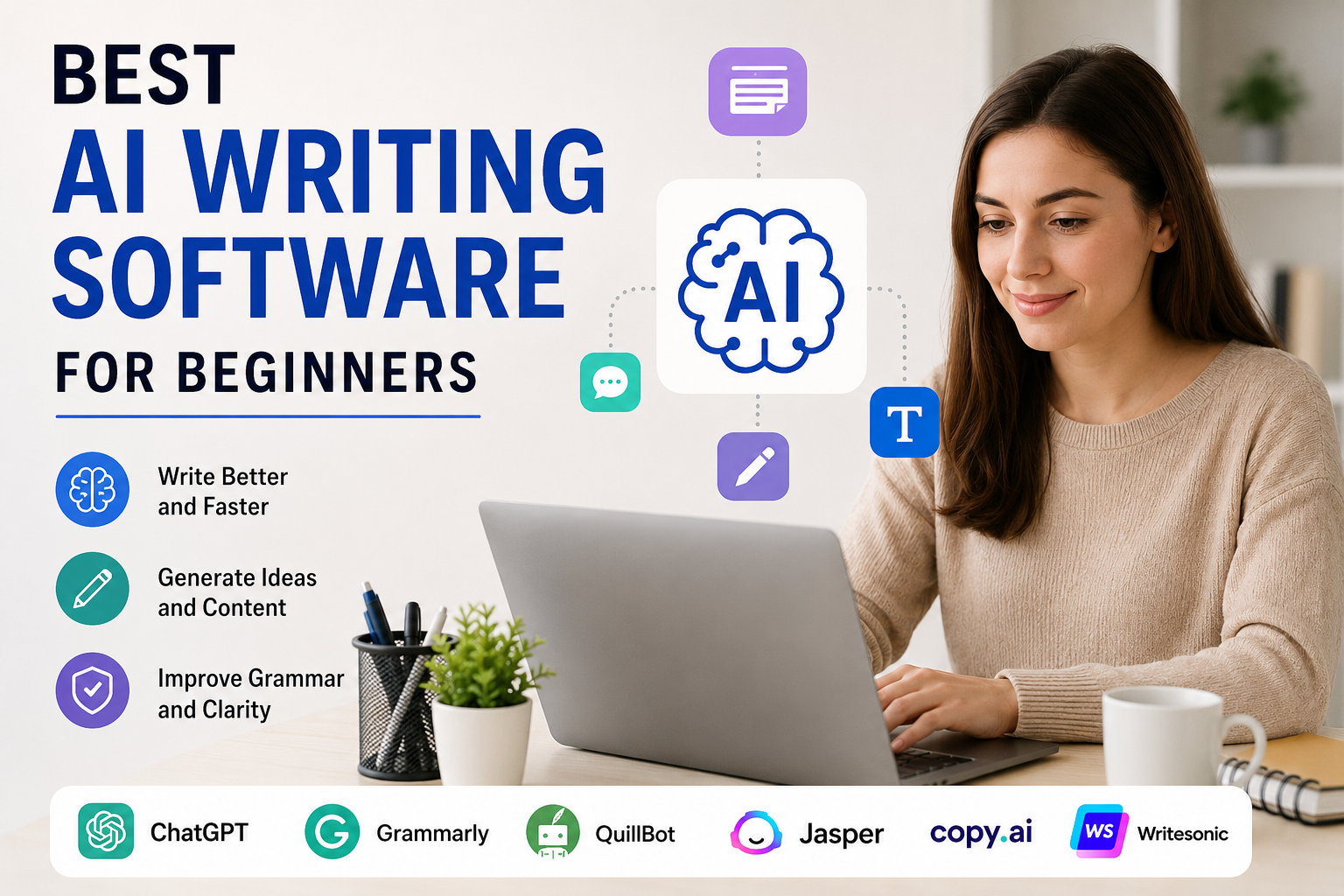
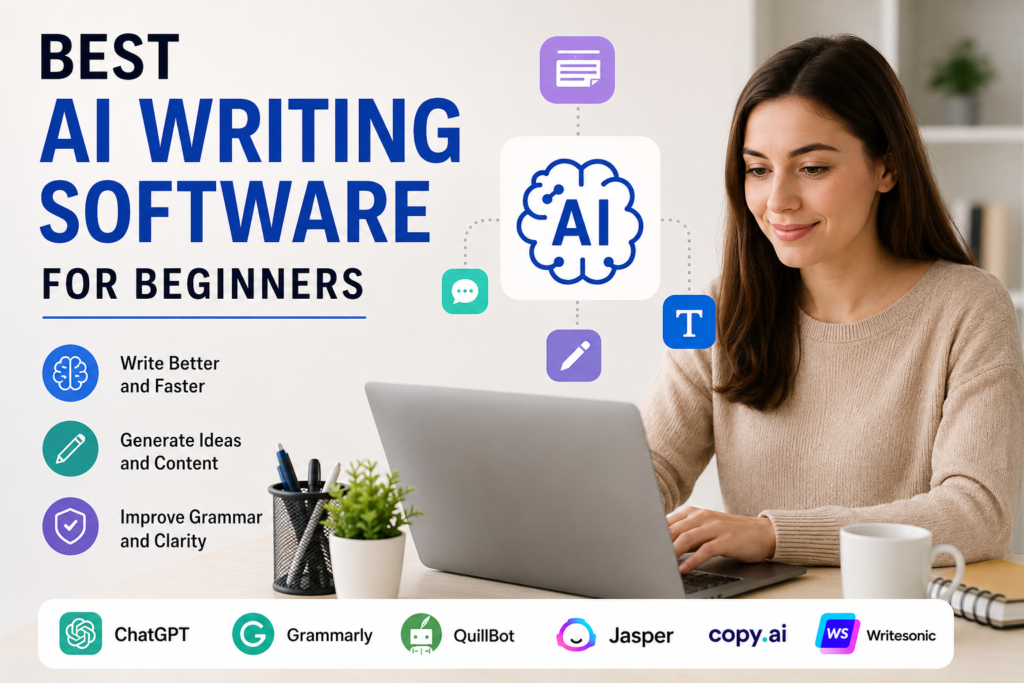
AI writing software has become very popular in recent years. I personally think these tools are useful for beginners who want to write better and faster without spending hours staring at a blank page. Whether someone wants to write blog posts, social media captions, emails, product descriptions, or simple essays, an AI writing tool can make the process much easier.
When I first started exploring AI writing tools, I noticed that there were many options available. Some tools are designed for professional writers, while others are much easier for beginners. This can make it difficult to decide which software is worth trying.
In this article, I will share my thoughts about some of the best AI writing software for beginners. I will also explain what each tool can do, what I like about it, and how a beginner can use it effectively.
What Is AI Writing Software?
AI writing software is a type of digital tool that uses artificial intelligence to help people create and improve written content. You can give the software a topic, question, or short instruction, and it can generate text based on your request.
These tools can help with many writing tasks. For example, you can use them to generate ideas, create outlines, rewrite sentences, correct grammar, improve readability, or create complete drafts.
In my opinion, the biggest advantage for beginners is that AI writing software removes the fear of starting. Instead of wondering what to write first, you can give the tool a simple idea and use its response as a starting point.
However, I do not recommend publishing AI generated content without reading and editing it. AI can make mistakes, repeat information, or sometimes provide incorrect facts. Human judgment is still very important.
1. ChatGPT
ChatGPT is one of the first AI writing tools I would recommend to beginners. It is simple to use and can help with many different types of writing.
A beginner can ask ChatGPT to create a blog outline, explain a topic, rewrite a paragraph, generate ideas, improve grammar, or make content easier to understand. It can also help users create emails, study notes, social media content, and other types of text.
What I like most about ChatGPT is its flexibility. You do not need to learn complicated software before using it. You can simply describe what you need in normal language.
For example, instead of asking for a complete article immediately, I prefer giving the tool information about my topic, audience, tone, and purpose. This usually helps me get more useful results.
For beginners, I think ChatGPT is a great place to start because it can be used for both simple and advanced writing tasks.
2. Grammarly
Grammarly is another useful option, especially for beginners who already write their own content but want to improve it.
I personally find grammar checking extremely important because small mistakes can make an otherwise good article look unprofessional. Grammarly can help identify grammar, spelling, punctuation, and style problems.
Its AI features can also help users rewrite sentences and adjust the tone of their writing.
For someone who is learning English, this type of tool can be especially helpful. You can write naturally first and then use the software to identify areas that need improvement.
I would not use Grammarly as a replacement for learning grammar. Instead, I would use it as a writing assistant that helps me notice mistakes and understand how my writing can be improved.
3. QuillBot
QuillBot is a popular AI writing tool that focuses strongly on rewriting and paraphrasing.
I think it can be useful for beginners who struggle to express an idea in different words. You can enter a sentence or paragraph and ask the tool to rewrite it in another style.
It can also help improve sentence structure and readability.
For example, if I write a sentence that sounds repetitive, I can use QuillBot to explore alternative versions. I can then choose the version that sounds most natural to me.
One important thing I would mention is that paraphrasing software should not be used to copy someone else’s work and simply change the words. It is better to use these tools to improve your own ideas and writing.
4. Jasper
Jasper is an AI writing platform that is particularly useful for marketing and business content.
Beginners can use it to create blog ideas, marketing copy, social media posts, product descriptions, and other business related content.
Compared with some simpler AI tools, Jasper may feel more focused on professional content creation. However, its structured features can be helpful once a beginner understands the basics of AI writing.
What I like about this type of software is that it can help users maintain a consistent writing style across different pieces of content.
If someone plans to build a blog, online business, or marketing project, I think a tool like Jasper can be worth exploring.
5. Copy.ai
Copy.ai is another AI writing platform that beginners may find useful. It is mainly focused on marketing and business writing.
It can help create social media posts, emails, product descriptions, marketing ideas, and other short form content.
I think this type of software is useful when you have an idea but do not know how to turn it into attractive written content.
For example, if I have a basic product description, I can use AI to generate different versions and then edit the best one myself.
The important thing is to treat the generated content as a draft rather than a final answer.
6. Writesonic
Writesonic is designed to help users create different types of content with AI.
Beginners can use it for blog posts, articles, advertisements, landing page content, product descriptions, and other writing tasks.
One feature I find useful in AI writing software is the ability to start with a basic idea and gradually develop it into a longer piece of content. This can make writing less stressful for someone who does not have much experience.
Writesonic can be useful for bloggers and people who are experimenting with online content creation.
7. Microsoft Copilot
Microsoft Copilot is another option that beginners may want to explore. It can assist with writing, brainstorming, summarizing, and improving text.
I think its biggest advantage is that many people are already familiar with Microsoft products. If you regularly use Word or other Microsoft services, AI assistance can fit naturally into your workflow.
A beginner can use AI to brainstorm ideas first and then edit the content manually.
This approach is better than asking AI to do everything because it allows you to maintain your own writing style.
How I Would Choose AI Writing Software
If I were completely new to AI writing software, I would not choose a tool simply because it has the largest number of features.
I would first ask myself what I actually need.
If I wanted a general writing assistant, I would start with ChatGPT. If my main problem was grammar, I would consider Grammarly. If I needed rewriting help, QuillBot could be useful. For marketing content, I would explore tools such as Jasper, Copy.ai, or Writesonic.
The best software is not necessarily the one with the most features. The best software is the one that solves your specific writing problem without making the process unnecessarily complicated.
How Beginners Can Use AI Writing Tools
I think beginners should learn how to give clear instructions to AI.
Instead of writing something very short like “write an article about technology,” provide more information.
Tell the AI what the topic is, who the audience is, how long the content should be, what tone you want, and what important points should be included.
For example, you could ask for a beginner friendly article about smartphone security written in simple English with practical examples.
The more useful information you provide, the easier it becomes for the AI to understand your expectations.
I also recommend generating content in sections. Instead of asking for a huge article at once, you can ask for an outline first, then develop each section separately.
Do Not Depend Completely on AI
One thing I have learned from using AI writing software is that these tools are assistants, not replacements for human thinking.
AI can produce impressive text, but it does not automatically understand your personal experiences, opinions, audience, or goals.
Sometimes AI generated writing can also sound repetitive or too generic. That is why I always recommend reading the content carefully before publishing it.
I would add my own examples, experiences, opinions, and explanations. This makes the final article feel more natural and personal.
Fact checking is also important, especially when writing about technology, finance, education, health, or other subjects where incorrect information can cause problems.
Final Thoughts
AI writing software can be extremely helpful for beginners. It can make writing faster, provide new ideas, improve grammar, and help people overcome writer’s block.
From my point of view, ChatGPT is one of the most flexible choices for beginners because it can handle many different writing tasks. Grammarly is useful for improving grammar and style, while QuillBot can help with rewriting. Jasper, Copy.ai, and Writesonic can be useful for people interested in marketing and online content creation. Microsoft Copilot is also worth considering for users who already work with Microsoft tools.
The most important thing is not to let AI completely replace your own voice. I believe the best results come when AI helps with the difficult or repetitive parts of writing while the human writer remains responsible for the ideas, facts, personality, and final editing.
If you are a beginner, you do not need to try every AI writing tool at once. Pick one that matches your needs, learn how to give clear instructions, and practice editing the results.
With regular practice, AI can become a useful writing partner that saves time while helping you become a better writer.