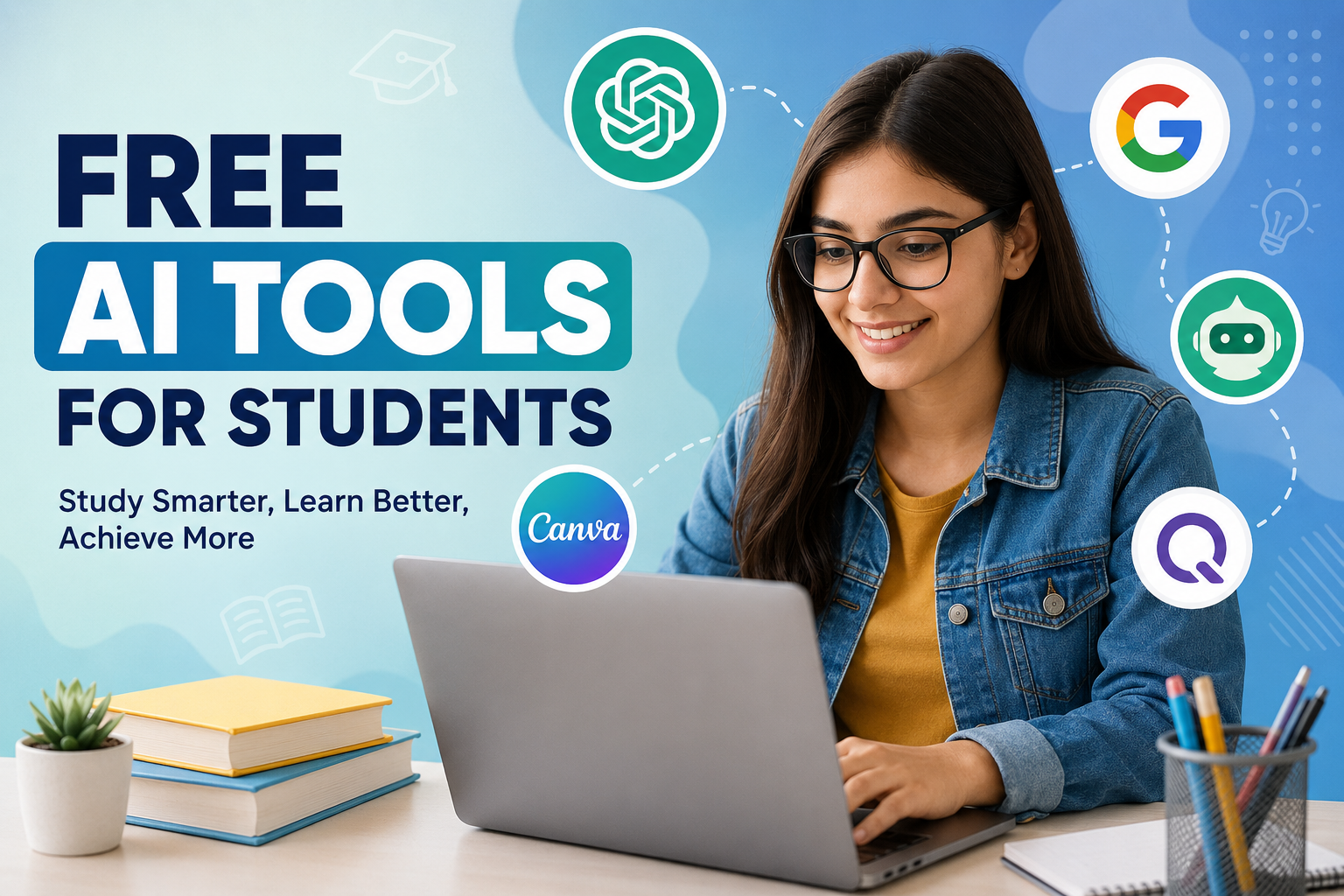
As a student, I know how difficult it can be to manage studies, assignments, research, presentations, notes, and exams at the same time. Sometimes I spend more time trying to understand how to organize my work than actually studying. This is one reason I think free AI tools can be useful for students when they are used properly.
Artificial intelligence has become much easier to access than it was a few years ago. Today, students can use different free AI tools to understand difficult topics, improve their writing, create study plans, summarize information, practice questions, and organize their daily academic work.
In my opinion, AI should not be used as a shortcut for avoiding learning. Instead, I see it as a study assistant. It can help me save time and understand topics more clearly while I still do the actual thinking and learning myself.
Why Students Should Use AI Tools
Students have different learning styles. Some people understand a topic quickly by reading, while others need examples or simple explanations. AI tools can be helpful because they can explain the same topic in different ways.
For example, if I do not understand a complicated science concept from my textbook, I can ask an AI tool to explain it using simple language. I can then ask for examples or a step by step explanation.
AI can also help with repetitive academic tasks. Instead of spending a lot of time creating a basic outline for an assignment, I can ask an AI tool to suggest a structure. After that, I can research the subject and write the content myself.
The important thing is to use AI as support rather than depending on it completely.
1. ChatGPT
ChatGPT is one of the most useful free AI tools students can use for learning. I find it especially helpful when I need an explanation in simple language.
Students can use it to understand difficult subjects, generate study questions, create revision plans, brainstorm ideas, improve grammar, and practice conversations.
For example, if I am studying history, I can ask ChatGPT to explain an important event in simple English. I can also ask it to create practice questions based on that topic.
Another useful feature is interactive learning. Instead of only reading an explanation, I can ask questions and continue the conversation until I understand the subject better.
However, I would always recommend checking important facts because AI can sometimes provide incorrect information.
2. Google Gemini
Google Gemini is another AI tool that can be useful for students. It can help with research, explanations, brainstorming, writing, and learning different subjects.
I like the idea of using an AI assistant when I am starting a new topic because it can help me understand the basic concepts before I go deeper into textbooks and academic sources.
Students can also use Gemini to create study questions or ask for examples related to a particular subject.
One thing I would suggest is not copying its answers directly into assignments. Instead, students should use the information to understand the topic and then write their own answers.
3. Microsoft Copilot
Microsoft Copilot can also be useful for students who already use Microsoft products for their studies.
Students can use AI assistance for brainstorming, writing improvement, explanations, and general academic tasks. It can help turn a broad idea into a more organized plan.
For example, if I have to prepare a presentation about climate change, I can ask an AI assistant to suggest important sections such as causes, effects, examples, solutions, and conclusion.
This gives me a starting point and helps me organize my thoughts.
4. Grammarly
Good grammar is important for students, especially when writing essays, applications, reports, and assignments.
Grammarly offers free writing assistance that can help identify grammar, spelling, punctuation, and basic writing issues.
I find grammar tools useful because sometimes I know what I want to say but make small mistakes while writing. A grammar checker can point out those mistakes and help me learn from them.
I would recommend reading every suggestion instead of automatically accepting everything. Understanding why a sentence is incorrect is more useful than simply fixing it.
5. QuillBot
QuillBot is another popular AI writing tool that students can use for improving and rewriting text.
One useful purpose is understanding different ways to express an idea. If I write a sentence that sounds unclear, I can use a writing tool to see alternative wording.
Students can also use it to improve the readability of their writing.
However, I believe students should avoid using paraphrasing tools to copy information from websites and make it look original. The better approach is to understand the source, take notes, and then write the idea in your own words.
6. Perplexity
Perplexity can be useful when students want to explore a topic and find information from different sources.
Instead of searching for many individual questions, students can ask a detailed question and use the results as a starting point for further research.
For example, if I am researching renewable energy, I can ask about the major types of renewable energy and their advantages and disadvantages.
I would still check the original sources before using information in academic work. AI search tools are useful for research, but they should not replace reliable books, academic papers, teachers, or official sources.
7. Canva AI Tools
Students often need to create presentations, posters, study materials, and educational graphics. Canva can make this process easier with its collection of AI powered features.
I think visual learning can be very helpful. A well designed presentation can make a complicated topic easier to understand.
For example, students can create a presentation about the solar system, a poster about environmental protection, or an infographic explaining a scientific process.
The free options are enough for many basic student projects.
8. NotebookLM
NotebookLM is particularly interesting for students because it can help them work with their own study materials.
A student can use supported documents and notes as a source for asking questions and understanding information.
For me, one of the biggest advantages of this type of tool is that it can make revision more interactive. Instead of repeatedly reading the same notes, I can ask questions about the material and identify areas that I need to review.
Students should still compare AI generated explanations with their original notes and textbooks.
9. Google AI Tools for Learning
Google provides several AI related tools that students can explore for learning and productivity. Depending on availability, students can use AI assistance for writing, brainstorming, research, and other educational activities.
The biggest advantage I see is convenience. Students already use search engines, documents, email, and other online services every day, so having AI assistance available can make some tasks easier.
Still, I believe students should learn traditional research skills as well. Knowing how to search, compare sources, and identify trustworthy information is extremely important.
10. AI Tools for Creating Study Questions
One of my favorite ways to use AI is for exam preparation.
Instead of simply reading notes again and again, I can ask an AI tool to create multiple choice questions, short answer questions, or practice tests based on a topic.
For example, after studying a chapter, I can ask for ten questions without answers. I can attempt them myself and then check my answers.
This approach makes studying more active.
Students can also ask AI to increase the difficulty of questions when they become more confident.
How I Recommend Using AI for Studying
In my opinion, the best way to use AI is to combine it with normal study methods.
First, I try to understand the topic myself. If I get stuck, I use AI to explain the difficult part.
Second, I use AI to create practice questions. This helps me check whether I actually understood what I studied.
Third, I use writing tools to identify grammar mistakes rather than allowing them to write everything for me.
Finally, I return to my textbook, notes, or trusted sources to verify important information.
This approach allows AI to support learning without replacing the learning process.
Things Students Should Avoid
AI tools can be extremely useful, but there are some mistakes students should avoid.
The first mistake is copying AI generated answers directly into assignments. This may prevent students from developing their own writing and critical thinking skills.
The second mistake is trusting every AI answer. AI systems can sometimes make mistakes, misunderstand questions, or provide outdated information.
Another problem is becoming too dependent on AI. If a student uses AI for every small task, they may find it difficult to work independently.
Students should also be careful with personal information. I recommend avoiding sharing private information, passwords, financial details, or sensitive school information with AI tools.
Final Thoughts
Free AI tools can be valuable study companions for students. From explaining difficult subjects to improving writing, creating practice questions, organizing ideas, and supporting research, AI can make many parts of student life easier.
However, I believe the real benefit comes from using these tools responsibly. AI should help me learn, not do all my learning for me.
If I use an AI tool to explain a difficult concept, I still need to understand it. If I use a writing assistant, I should still develop my own writing skills. If I use AI for research, I should check the information with reliable sources.
For me, the best student is not the one who uses the most AI tools. It is the student who knows when and how to use them wisely.
Free AI tools are becoming an important part of modern education, and students who learn to use them responsibly can save time, study more effectively, and become more confident learners.