Running a small business is not always as simple as it looks. When I started learning more about how businesses manage their customers, I realized that keeping track of customer information can become difficult very quickly. You may have customer names, phone numbers, emails, previous conversations, orders, follow ups, and many other details stored in different places. This is where CRM software becomes useful.
CRM stands for Customer Relationship Management. In simple words, CRM software helps a business organize customer information and manage relationships with customers in one place. For small businesses, this can save a lot of time and reduce unnecessary confusion.
In my opinion, choosing the right CRM is important because small businesses usually have limited budgets and smaller teams. They need software that is easy to understand, affordable, and useful without requiring a large technical team.
What Is CRM Software?
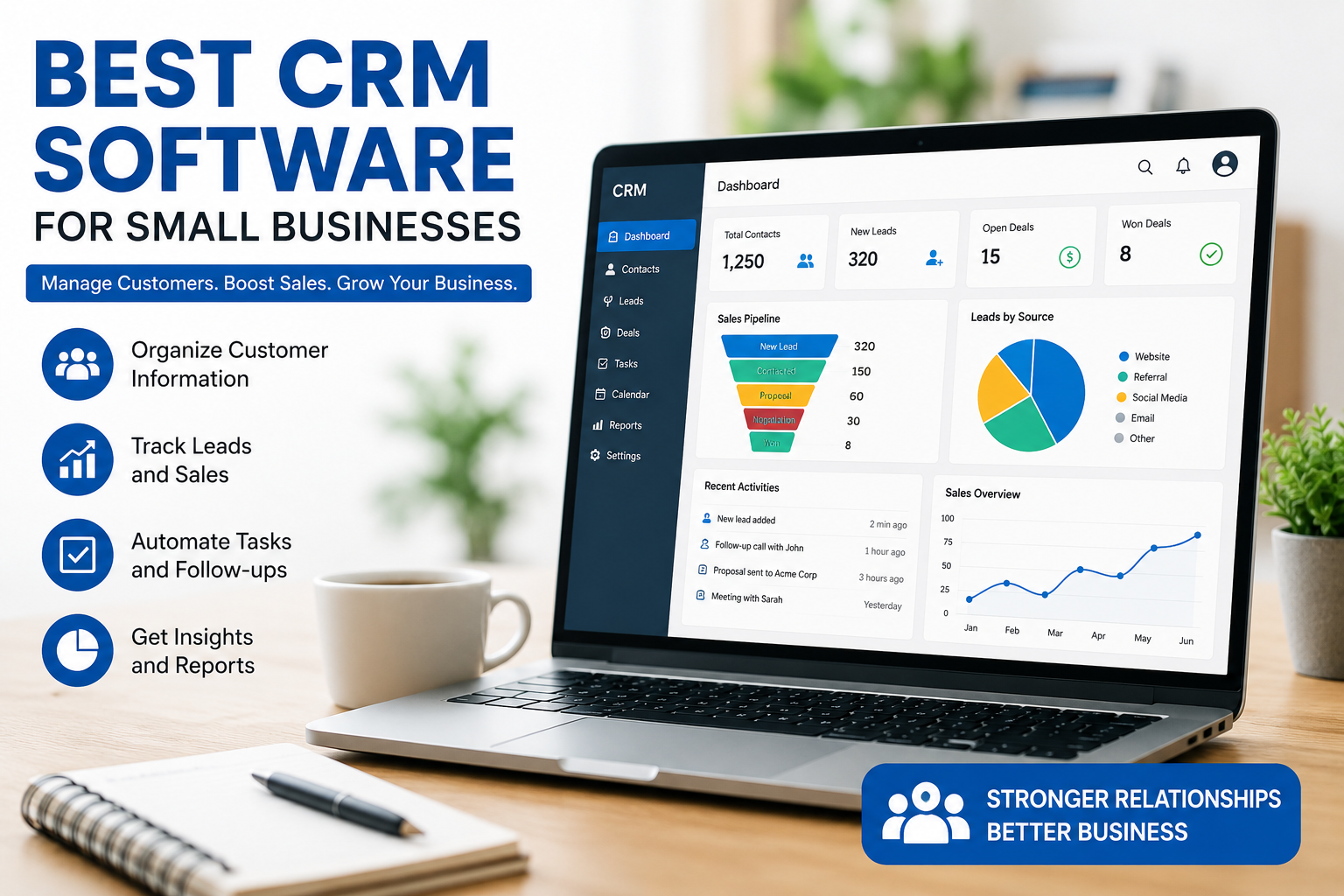
CRM software is a tool that helps businesses manage their relationships with current and potential customers. Instead of keeping customer details in notebooks, spreadsheets, emails, and different applications, a CRM allows you to keep much of this information in one organized system.
For example, when a new customer contacts a business, the company can add that customer to the CRM. The business can then record contact information, conversations, sales opportunities, tasks, and follow up dates.
I think this is especially helpful for small businesses because one person may have to handle several responsibilities at the same time. A CRM can make customer management more organized and easier to handle.
Why Small Businesses Need CRM Software
Some small businesses believe that CRM software is only useful for large companies. I do not agree with this idea. In my opinion, a small business can benefit from CRM software just as much as a large company.
The main advantage is organization. When customer information is properly organized, it becomes easier to understand what is happening with each customer.
A CRM can also help businesses remember follow ups. Sometimes a potential customer shows interest but does not purchase immediately. Without a proper system, it is easy to forget about that person. With a CRM, you can create reminders and keep track of the sales process.
Another benefit is better communication. When customer information is available in one place, employees can understand previous conversations and provide more useful responses.
Best CRM Software for Small Businesses
There are many CRM platforms available today. Each one has different features and pricing plans. The best option depends on the size of your business, your budget, and the features you actually need.
HubSpot CRM
HubSpot CRM is one of the options I would consider for a small business that wants to start with a simple CRM. It provides tools for managing contacts, deals, sales activities, and customer interactions.
One thing I like about HubSpot CRM is that beginners can understand the basic system without spending a lot of time learning complicated features. It also provides a free option with useful CRM capabilities.
For a small business that is just starting to organize its customer information, this can be a good place to begin.
Zoho CRM
Zoho CRM is another popular choice for small businesses. It provides tools for managing leads, contacts, deals, sales activities, and customer relationships.
In my opinion, Zoho CRM is useful for businesses that want more features as they grow. It can support different business processes and offers customization options.
The interface may take some time to understand if you are completely new to CRM software, but once you become familiar with it, there are many useful features available.
Salesforce
Salesforce is one of the best known CRM platforms in the business world. Although it is often associated with larger organizations, small businesses can also use Salesforce products and plans.
What I like about Salesforce is its large range of features and customization possibilities. Businesses can use it for sales, customer service, marketing, and other activities.
However, I would not recommend choosing Salesforce only because it is famous. A small business should first decide whether it really needs its advanced capabilities. If your business only needs basic contact and sales management, a simpler CRM may be easier to manage.
Freshsales
Freshsales is a CRM solution from Freshworks that focuses on sales and customer management. It provides features for managing contacts, leads, deals, communication, and sales activities.
I think Freshsales can be a good option for small sales teams that want a modern CRM without making their workflow unnecessarily complicated.
The software can help sales teams understand their leads and organize their sales pipeline. This can make it easier to see which customers need attention and which deals are moving forward.
Pipedrive
Pipedrive is designed with sales pipeline management in mind. Its visual approach makes it easier to understand where different deals are in the sales process.
Personally, I think this type of interface can be helpful for small business owners who prefer seeing their sales process visually rather than working with complicated reports.
You can organize deals into different stages and monitor their progress. This can be particularly useful for businesses that depend heavily on sales leads and follow ups.
Important CRM Features for Small Businesses
Before selecting CRM software, I believe it is important to understand which features your business actually needs.
The first important feature is contact management. A good CRM should allow you to store customer names, contact details, notes, and other useful information.
Lead management is another important feature. It helps businesses keep track of potential customers and understand which leads are more likely to become customers.
Sales pipeline management can also be very useful. It gives you a clear view of deals and their current stages.
Task and reminder features are helpful for follow ups. Instead of trying to remember everything yourself, you can use the CRM to organize important tasks.
Reporting is also useful. Simple reports can show information about sales activities, leads, and business performance.
Integration is another feature I would check before choosing a CRM. If your business already uses email, calendars, accounting software, or other tools, it is useful when the CRM can work with them.
How to Choose the Right CRM
I think choosing a CRM should start with your business needs rather than the number of features advertised by the software company.
First, consider the size of your business. A freelancer or very small team may only need contact management and basic sales tracking. A growing company may need automation, reporting, and team collaboration.
Second, consider your budget. There are free CRM options available, but paid plans may provide additional features. I would recommend starting with a plan that fits your current needs rather than paying for features you may never use.
Third, check how easy the software is to use. A CRM can have hundreds of features, but if your team finds it confusing, it may not provide much value.
I would also recommend checking whether the CRM offers a free plan or trial. Testing the software before making a long term commitment can help you understand whether it fits your workflow.
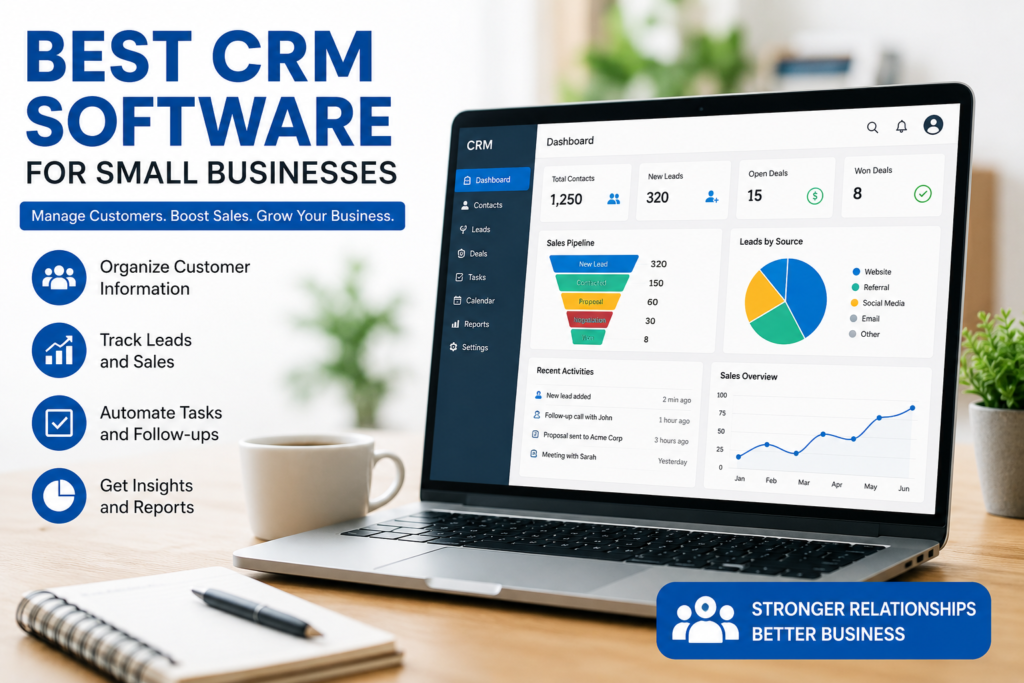
CRM Software Can Save Time
One of the biggest reasons I would recommend CRM software to a small business is time management.
Imagine having customer details in emails, phone contacts, spreadsheets, and handwritten notes. Finding the right information can take several minutes every time you need it.
A CRM can bring much of that information together. This means you can spend less time searching for information and more time communicating with customers.
Automation can save even more time. Depending on the CRM, you may be able to automate reminders, emails, task assignments, or parts of your sales process.
Common CRM Mistakes Small Businesses Make
One mistake I often see is choosing a CRM only because it has a large number of features. More features do not always mean better software.
Another mistake is failing to train the people who will use the CRM. Even simple software needs a little practice. If employees do not understand how to use it, customer information may not be updated properly.
I also think businesses should avoid adding unnecessary information. A CRM should make work easier, not create extra work. Only collect and maintain information that is genuinely useful for your business.
Final Thoughts
In my opinion, CRM software can be a valuable investment for almost any growing small business. It can help organize customer information, manage leads, improve follow ups, and make sales activities easier to understand.
HubSpot CRM can be a good starting point for businesses looking for an accessible CRM. Zoho CRM can be useful for businesses that want flexibility and a broader set of features. Salesforce can be suitable for businesses that need advanced customization and have more complex requirements. Freshsales can work well for sales focused teams, while Pipedrive is worth considering if you want a clear visual sales pipeline.
The most important thing is not to choose a CRM simply because it is popular. I believe the best CRM is the one that your team can actually use consistently. Start by identifying your biggest customer management problems, decide which features are necessary, and then compare the available options.
A CRM should make your business more organized, not more complicated. If you choose carefully and use it properly, it can become one of the most useful tools for managing customer relationships and supporting long term business growth.