When I first started using Windows computers, I did not pay much attention to antivirus software. I thought that being careful while browsing the internet was enough to keep my computer safe. Over time, I realized that online threats can appear in many different ways. A suspicious download, an unknown email attachment, or even a fake website can create problems if the computer is not properly protected.
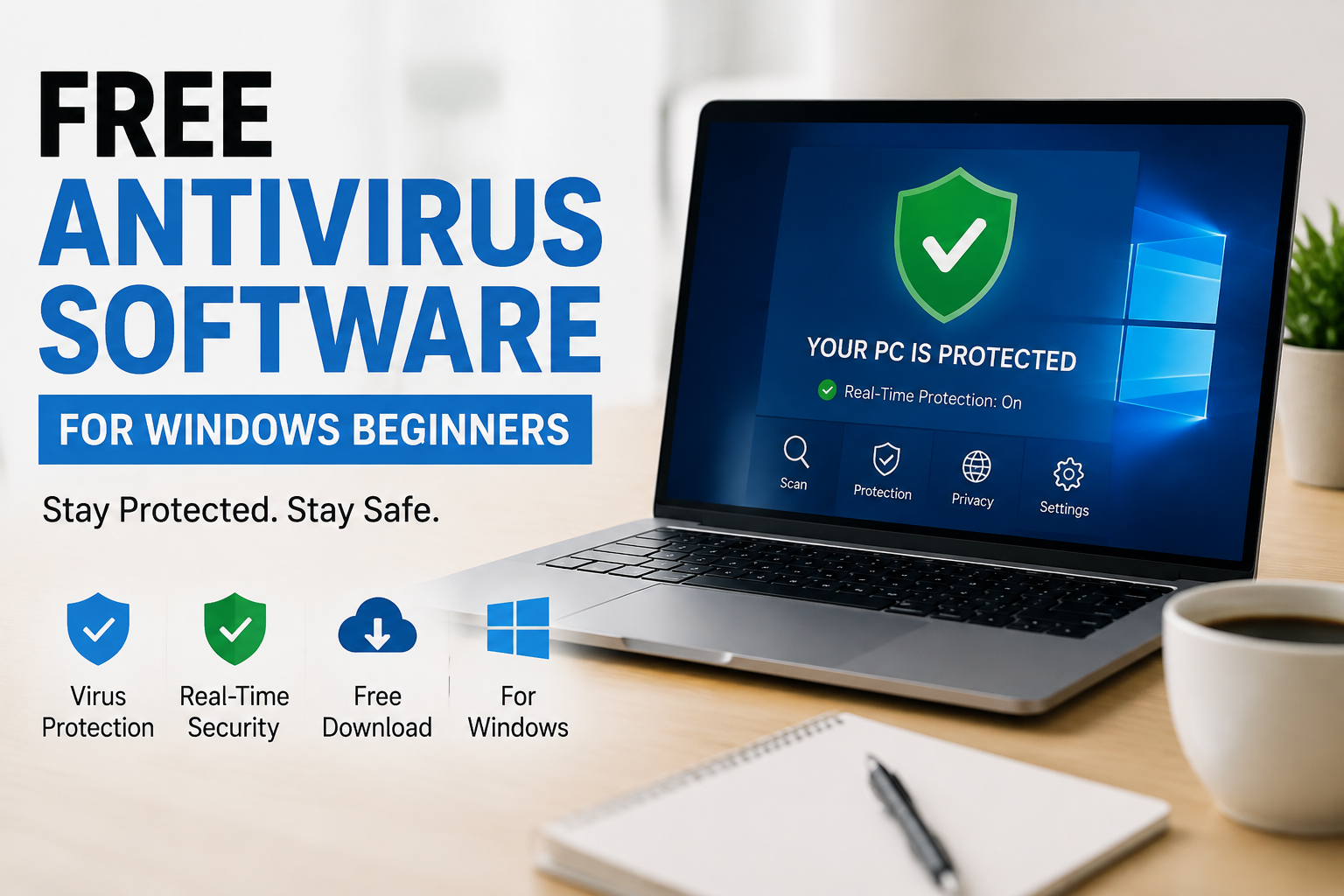
For Windows beginners, choosing antivirus software can sometimes feel confusing. There are many programs available, and most of them claim to provide excellent protection. The good news is that beginners do not always need to spend money on expensive security software. There are several free antivirus options that can provide useful protection for everyday Windows use.
In this article, I will share my understanding of free antivirus software for Windows beginners. I will explain what antivirus software does, why it is important, what features beginners should look for, and which free options are worth considering.
Why Antivirus Software Is Important
I believe antivirus protection is one of the basic security tools every Windows user should understand. The internet is useful for learning, entertainment, shopping, communication, and many other activities. However, it also contains websites and files that may not be safe.
Malware can enter a computer through different methods. Sometimes it comes from an infected file. In other situations, it can arrive through a malicious email attachment or a fake software installer.
Some threats can steal personal information, damage files, slow down the computer, or cause unwanted changes to the system. This is why I prefer to keep antivirus protection enabled instead of relying only on my own judgment.
Modern Windows versions already include built in security features, which means beginners have some protection from the moment they install Windows. However, understanding additional free antivirus options can still be useful.
Microsoft Defender
For beginners, I think Microsoft Defender is one of the easiest security solutions to understand because it is already included with modern Windows systems.
Microsoft Defender can provide protection against viruses, malware, spyware, and other common threats. It can scan files and applications and monitor the computer for suspicious activity.
One thing I like about Microsoft Defender is that beginners do not need to download another program just to get basic antivirus protection. It also works closely with Windows security features.
For someone who mainly browses trusted websites, watches videos, works with documents, and downloads files carefully, the built in protection can be a practical starting point.
Another advantage is simplicity. You do not have to learn a complicated antivirus dashboard before using it.
Avast Free Antivirus
Avast is another well known name in the antivirus market. Its free version has been popular among Windows users for many years.
Avast provides protection against common malware and other online threats. It also includes features designed to help users identify potentially dangerous websites and files.
From a beginner’s perspective, Avast can be useful because its interface is designed to make security features relatively easy to find.
However, I recommend paying attention during installation. Free antivirus products may sometimes offer additional features or upgrades. Beginners should read the installation screens carefully and avoid installing anything they do not need.
AVG AntiVirus Free
AVG AntiVirus Free is another option that Windows beginners may consider.
It provides basic protection against common viruses, malware, and other threats. AVG has a straightforward interface, which can make it easier for someone who is not familiar with computer security.
One feature I find useful in antivirus software is automatic scanning and protection. Beginners should not have to remember to check every downloaded file manually.
AVG can also help detect suspicious activity and potentially unwanted programs. The free version is mainly intended for basic protection, while additional features may require a paid version.
If you decide to use AVG, I recommend keeping the software updated and reviewing its settings occasionally.
Bitdefender Antivirus Free
Bitdefender is another security company that has offered free protection for Windows users.
One reason I would consider Bitdefender for beginners is its focus on automatic protection. Many beginners do not want to spend a lot of time changing security settings.
A good antivirus program should be able to work quietly in the background while still warning the user when something needs attention.
Bitdefender is known for malware detection and real time protection. Its approach can be suitable for people who want basic security without constantly interacting with the antivirus application.
Still, no antivirus program should be treated as a replacement for safe browsing habits.
Malwarebytes Free
Malwarebytes is slightly different from some traditional antivirus products because many users know it as a tool for detecting and removing malware.
I have found that programs like Malwarebytes can be useful when a computer behaves strangely or when a user wants to perform an additional security check.
The free version can be useful for manual scanning, although some advanced features are available only through paid plans.
For beginners, I would recommend understanding the difference between real time protection and manual scanning. Real time protection constantly monitors activity, while a manual scan is something you start yourself.
What Should Beginners Look For?
When choosing free antivirus software, I think beginners should focus on a few important features instead of choosing a program simply because it has a long list of tools.
The first thing I would check is malware protection. The antivirus should be capable of detecting common viruses, spyware, ransomware, and other malicious software.
The second important feature is real time protection. This allows the security software to monitor files and activities while you use the computer.
Automatic updates are also important. New threats appear regularly, so an antivirus program needs updated information to recognize them.
I would also look at system performance. Some security programs can use significant computer resources. If your computer is older, a lightweight antivirus solution may provide a better experience.
Finally, I recommend checking the user interface. A security program can have hundreds of features, but if the settings are confusing, beginners may have difficulty using it correctly.
Do You Need More Than One Antivirus?
This is something I think beginners should understand before installing security software.
I would not recommend installing several full antivirus programs and allowing all of them to provide real time protection at the same time.
Multiple security programs can sometimes interfere with each other. They may consume additional system resources or create confusing warnings.
For most beginners, one primary antivirus solution with real time protection is enough.
If you want an additional security check, you can use a trusted manual malware scanner when appropriate rather than running several full antivirus programs together.
Free Antivirus Does Not Make You Completely Safe
One mistake I see people make is assuming that antivirus software makes them completely protected.
In my opinion, antivirus software should be considered one layer of security rather than complete protection.
For example, an antivirus program may detect a malicious file, but it cannot always stop someone from giving their password to a fake website.
This is why safe browsing habits are equally important.
I recommend avoiding suspicious links, downloading software from trusted sources, keeping Windows updated, and being careful with email attachments.
You should also use strong passwords and enable two factor authentication whenever possible.
Keep Windows Updated
Windows updates are another important part of computer security.
Microsoft regularly releases updates that can improve Windows security and fix vulnerabilities. I personally think beginners should leave automatic updates enabled unless there is a specific reason to change them.
An outdated operating system can have security weaknesses that attackers may try to exploit.
The same idea applies to browsers and other applications. Keeping commonly used software updated can reduce security risks.
Be Careful With Free Software
The word free can sometimes make people stop thinking about security.
I recommend downloading antivirus software only from the official website or a trusted source. Avoid random download websites that offer modified installers or unknown versions.
During installation, read each screen carefully. Some free software may offer optional tools, browser extensions, trials, or upgrades.
If something looks unnecessary, I would rather leave it unchecked.
My Recommendation for Beginners
If I were helping someone who had just started using Windows, I would first explain Microsoft Defender because it is already available with Windows and provides basic security without requiring another installation.
For someone who wants to explore third party antivirus software, I would consider options such as Avast Free Antivirus, AVG AntiVirus Free, Bitdefender Antivirus Free, or Malwarebytes for additional malware scanning needs.
However, I would not choose an antivirus simply because it has the largest number of features. For beginners, simplicity, reliable protection, automatic updates, and low system impact are more important.
I also think it is better to understand one security program properly than install several programs without knowing how they work.
Final Thoughts
Free antivirus software can be a useful starting point for Windows beginners. The most important thing is not simply installing an antivirus program and forgetting about computer security.
I believe good protection comes from combining antivirus software with smart online habits.
For many beginners, Microsoft Defender can be a convenient place to start because it is already included with Windows. Users who want additional features can explore trusted free antivirus products such as Avast, AVG, Bitdefender, or Malwarebytes.
Whatever option you choose, keep it updated and pay attention to security warnings. Avoid suspicious downloads, unknown links, fake websites, and unexpected email attachments.
From my point of view, you do not need to spend a lot of money to start protecting a Windows computer. A reliable free security solution, regular Windows updates, careful browsing, and a little common sense can go a long way toward keeping your computer and personal information safer.