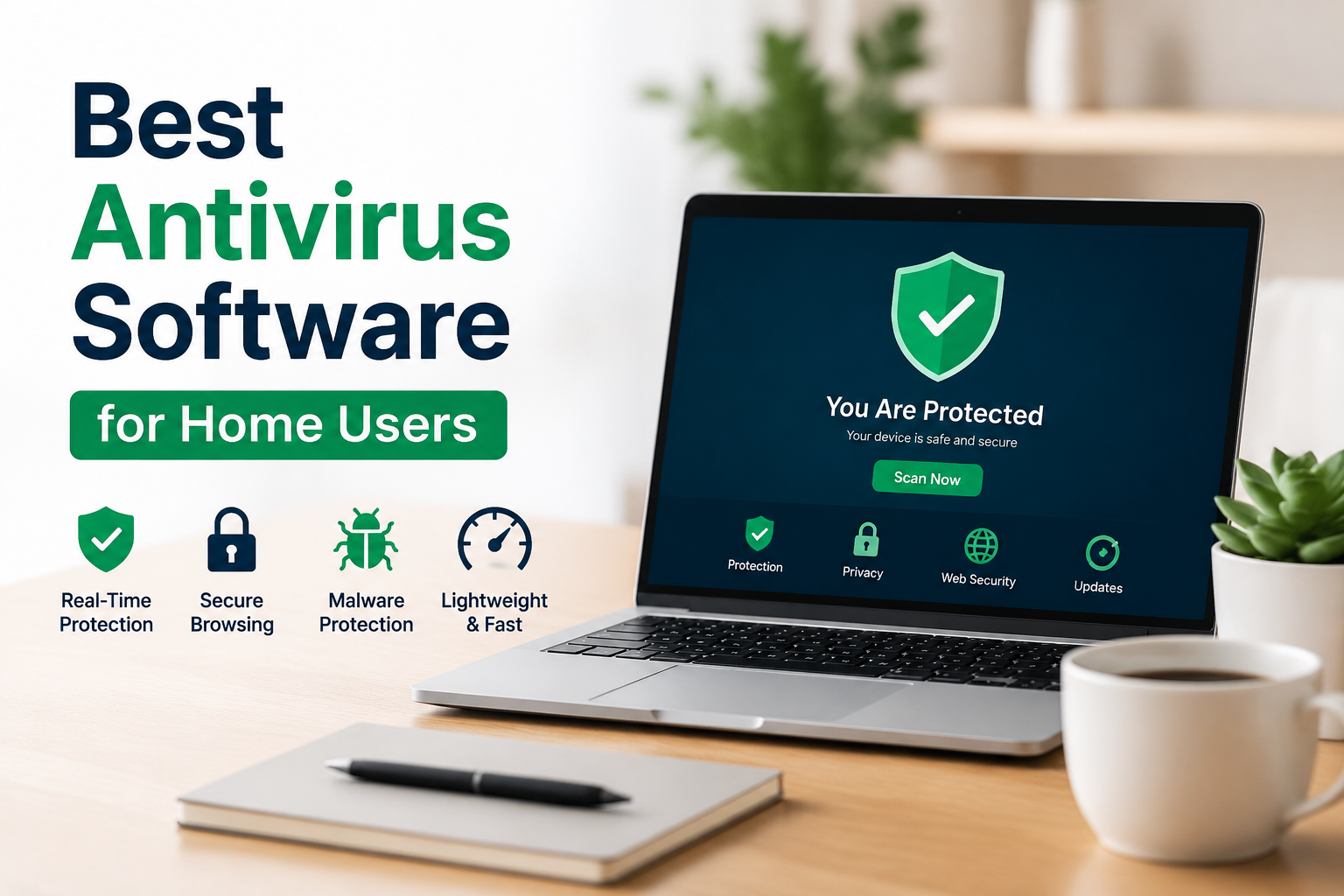
When I use a computer at home, security is one of the things I never like to ignore. We use our computers for almost everything these days. I personally use a computer for browsing websites, checking emails, downloading files, watching videos, shopping online, and sometimes storing important documents. Because of this, I believe having reliable antivirus software is an important part of protecting a home computer.
There are many antivirus programs available today, and choosing the right one can be confusing. Some programs are completely free, while others require a subscription. Some focus mainly on malware protection, while others include features such as password management, web protection, privacy tools, and identity monitoring.
In this article, I will share my thoughts about some of the best antivirus software options for home users. I will also explain what I look for when choosing antivirus software and which type of protection makes sense for different users.
Why Antivirus Software Is Important
I think many people underestimate the risks that come with everyday internet use. Malware is not always something that comes from an obviously dangerous website. It can arrive through an email attachment, a downloaded program, a fake update, or even a website that has been compromised.
Viruses are only one type of threat. Modern malware can include ransomware, spyware, trojans, and other unwanted programs. Some threats try to steal personal information, while others can damage files or make a computer difficult to use.
For me, good antivirus software should quietly protect the computer in the background without constantly interrupting normal activities. It should detect suspicious files, scan downloads, protect web browsing, and provide warnings when something appears dangerous.
Microsoft Defender
For Windows users, Microsoft Defender is one of the first antivirus options I would consider. It is already included with modern versions of Windows, so there is no need to install another program just to get basic antivirus protection.
One thing I like about Microsoft Defender is its simplicity. It works in the background and receives security updates through Windows. This makes it especially useful for people who do not want to spend money on additional antivirus software.
Microsoft Defender provides protection against common malware and other security threats. It also works alongside other Windows security features, which gives users a convenient security system without requiring a separate subscription.
In my opinion, Microsoft Defender is a good choice for everyday home users who keep Windows updated and follow basic online safety practices.
Bitdefender Antivirus
Bitdefender is another antivirus program that I would consider when looking for stronger security features. It has built a reputation for providing solid protection while keeping the user experience relatively simple.
What I like about Bitdefender is that it offers several layers of protection. Depending on the version, users can get features designed to protect against malware, dangerous websites, suspicious activities, and other online threats.
The software is also designed to work quietly in the background. I think this is important because antivirus software should protect my computer without making normal tasks unnecessarily difficult.
Bitdefender offers both free and paid options in different markets and product ranges. The paid versions generally provide additional security and privacy features.
Norton
Norton is one of the most recognizable names in antivirus software. It has been around for many years and offers security products designed for home users.
One reason I would recommend Norton to certain users is the number of features available in its security packages. Depending on the subscription, Norton can provide malware protection, web protection, password related tools, privacy features, and other security services.
I think Norton is more suitable for people who want an all in one security package rather than just a basic antivirus scanner.
However, I would always recommend checking the features and subscription terms before purchasing. Different Norton plans offer different features, and prices can change depending on promotions and renewal periods.
Avast
Avast is another popular option for home users. It provides antivirus protection and offers both free and paid products.
I think Avast can be useful for people who want additional security tools without immediately committing to a paid subscription. Its products can help detect malware and potentially unwanted applications while also providing security related features.
The free version can be attractive for users who mainly want basic protection. However, like other antivirus companies, Avast also offers paid packages with additional features.
Before installing any antivirus program, I personally recommend checking exactly which features are included in the version being offered. This helps avoid confusion about what protection you are actually receiving.
AVG Antivirus
AVG is another familiar name in the antivirus market. It offers security products aimed at protecting computers from malware and other online threats.
I find AVG interesting for home users because it provides a straightforward approach to computer security. It can be suitable for people who want antivirus protection without dealing with an overly complicated interface.
AVG offers free protection as well as paid products with additional features. The right choice depends on how much protection and convenience a person wants.
For basic home browsing, email, and everyday computer use, a reputable free antivirus product can sometimes be enough. Users with more sensitive information or more demanding security needs may prefer a paid plan.
ESET Antivirus
ESET is another antivirus brand that I would consider for people who want a lightweight security solution. It is known for providing antivirus and internet security products for different types of users.
One thing I appreciate about security software is when it does not constantly interfere with normal computer activities. ESET products are designed with performance in mind, which can make them appealing to people who want protection while keeping their computers responsive.
ESET also provides features that can help protect users while browsing the internet and downloading files.
I think ESET can be a good choice for someone who wants a dedicated antivirus product and is willing to pay for additional security features.
Malwarebytes
Malwarebytes is slightly different from some traditional antivirus products because many people use it as an additional security tool. It is particularly well known for detecting and removing unwanted software and malware.
I have found the idea of using Malwarebytes useful when troubleshooting a computer that seems to be behaving strangely. Sometimes a computer can develop problems because of unwanted programs or suspicious software, and having a trusted security scanner can be helpful.
Malwarebytes offers different products and plans, so users should check which features are included before making a decision.
For some home users, it can be useful as part of a broader security strategy rather than relying on multiple full antivirus programs at the same time.
Free Antivirus or Paid Antivirus
This is one of the biggest questions people ask when choosing antivirus software. Personally, I do not think everyone needs to pay for antivirus protection.
If I were setting up a normal home computer for browsing, streaming, email, documents, and occasional downloads, I would first consider the built in security tools available with the operating system.
Paid antivirus software becomes more attractive when a user wants additional features. These can include identity monitoring, password management, advanced web protection, privacy tools, parental controls, or protection for multiple devices.
The important thing is not to assume that paying for antivirus automatically makes a computer completely safe. Antivirus software is only one part of good digital security.
What I Look For in Antivirus Software
When I compare antivirus programs, I look at several things before making a decision.
First, I want reliable malware detection. There is no point using security software if it cannot identify common threats.
Second, I look at performance. Antivirus software should not make a normal computer feel unnecessarily slow.
Third, I check how easy the program is to use. A security application should be understandable even for someone who is not technically experienced.
I also look at web protection, automatic updates, scanning options, privacy features, and customer support.
Another important factor for me is transparency. Before purchasing a subscription, I want to know what I am getting, how much it costs, and what happens when the subscription renews.
Antivirus Is Not Enough
One of the biggest mistakes I see people make is believing that antivirus software can solve every security problem.
Even the best antivirus cannot protect someone who willingly gives their password to a scammer. It cannot always prevent someone from being tricked by a fake website. It also cannot replace software updates, strong passwords, and sensible browsing habits.
I personally believe that antivirus should be combined with good security habits.
I keep my operating system and applications updated. I avoid downloading programs from unknown websites. I am careful with email attachments and suspicious links. I also use strong passwords and enable additional account security whenever it is available.
These simple habits can make a significant difference.
My Overall Recommendation
If I were recommending antivirus software to a typical home user, I would start with Microsoft Defender for Windows users who want simple and free protection.
For people who want a more complete security package, I would consider Bitdefender, Norton, ESET, Avast, or AVG depending on the features and price available.
Malwarebytes can also be useful for users who want an additional security scanner or tools for dealing with unwanted software.
There is no single antivirus program that is perfect for everyone. The best option depends on the computer being used, the user’s online habits, the number of devices that need protection, and the features they actually need.
Final Thoughts
In my opinion, choosing antivirus software does not need to be complicated. The most important thing is to use a reputable security solution and keep it updated.
For many home users, the security features already included with Windows can provide a good starting point. Others may prefer a dedicated antivirus program with additional security and privacy features.
I would personally focus less on finding the software with the longest feature list and more on finding something reliable, easy to use, and suitable for my daily needs.
Most importantly, I would never depend entirely on antivirus software. Safe browsing habits, regular software updates, strong passwords, careful downloading, and awareness of online scams are just as important.
Good computer security is not about installing one program and forgetting about it. It is about building simple habits that protect your computer and personal information every day. When antivirus software is combined with those habits, I believe home users can enjoy a much safer and more comfortable digital experience.