When I first started learning about online privacy, I found VPN software a little confusing. I kept seeing different VPN services, technical terms, and security features that I did not fully understand. I think many beginners have the same experience. A VPN sounds complicated at first, but after using one, I realized that the basic idea is actually quite simple.
A VPN, or Virtual Private Network, creates a secure connection between your device and the internet. It can help protect your internet traffic, especially when you are using public WiFi. It can also hide your real IP address from websites and make it appear that you are connecting from another location.
In my opinion, beginners do not need a VPN with hundreds of complicated features. What matters most is choosing software that is easy to install, simple to operate, reliable, and clear about its privacy practices. In this article, I will explain what easy VPN software is, what features beginners should look for, and how to start using a VPN without getting overwhelmed.
What Is a VPN?
A VPN is a service that creates an encrypted connection between your device and a VPN server. Normally, when you visit a website, your device connects to the internet through your internet service provider. A VPN adds another layer between your device and the websites you visit.
When a VPN is active, your internet traffic is routed through the VPN server. Websites may see the IP address of the VPN server instead of your normal public IP address.
I personally think of a VPN as an extra privacy layer rather than a complete security solution. It can be useful, but it does not make someone completely anonymous online. You still need strong passwords, updated software, safe browsing habits, and protection against scams.
Why Should Beginners Use a VPN?
There are several reasons why someone might want to use a VPN. One of the biggest reasons is privacy. When I browse the internet, I prefer having an additional layer of protection between my device and the websites I visit.
A VPN can also be helpful when using public WiFi. Public networks in places such as airports, hotels, cafes, and libraries can be convenient, but I do not like treating them as completely trusted networks. Using a VPN can help encrypt internet traffic between my device and the VPN server.
Another reason people use VPNs is to change their apparent online location. A VPN may allow you to connect through a server in another country or city. This can be useful for privacy and for accessing services that are available in your region, although users should always follow the terms of the services they use.
What Makes VPN Software Easy to Use?
For a beginner, I believe simplicity is more important than having a huge number of settings.
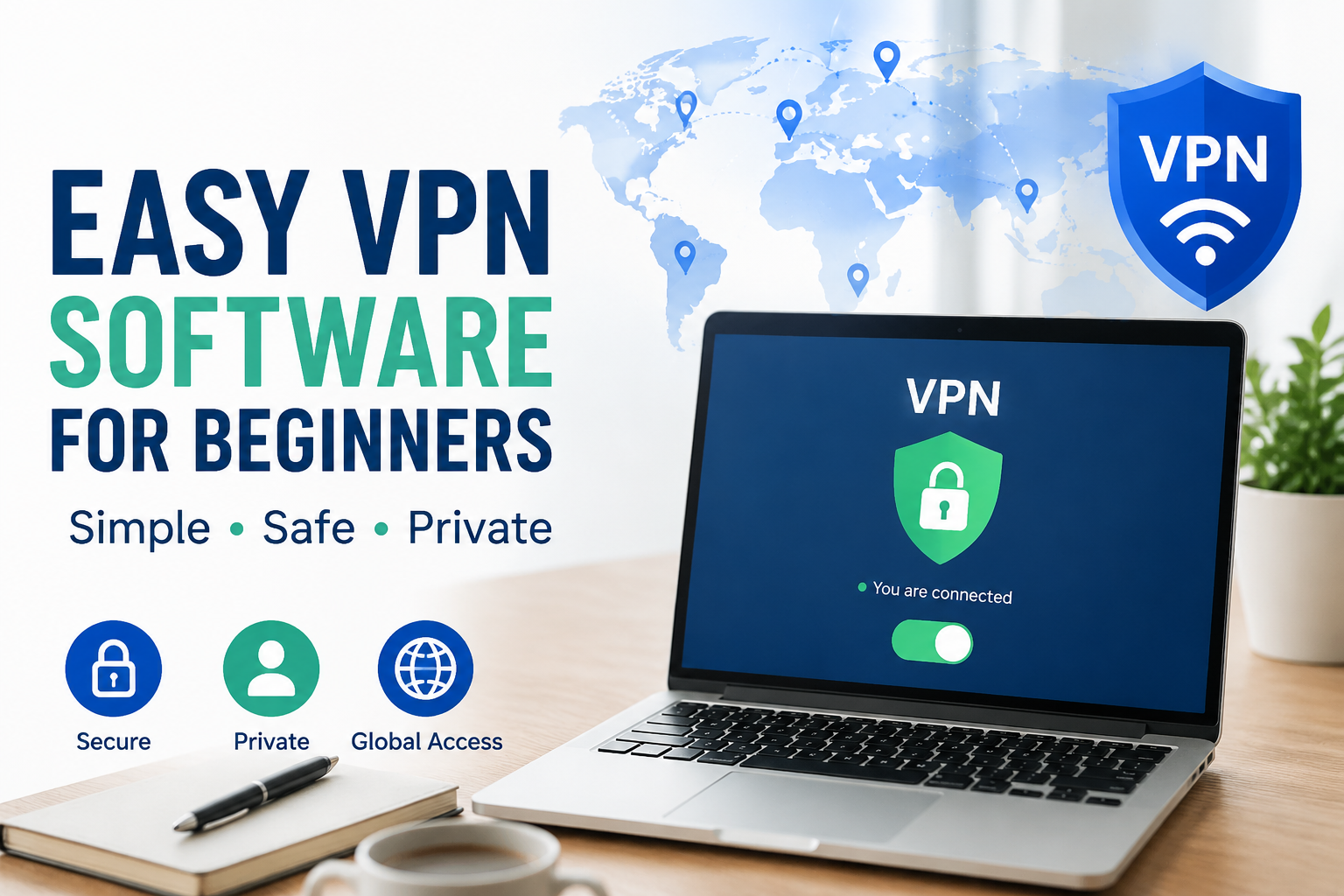
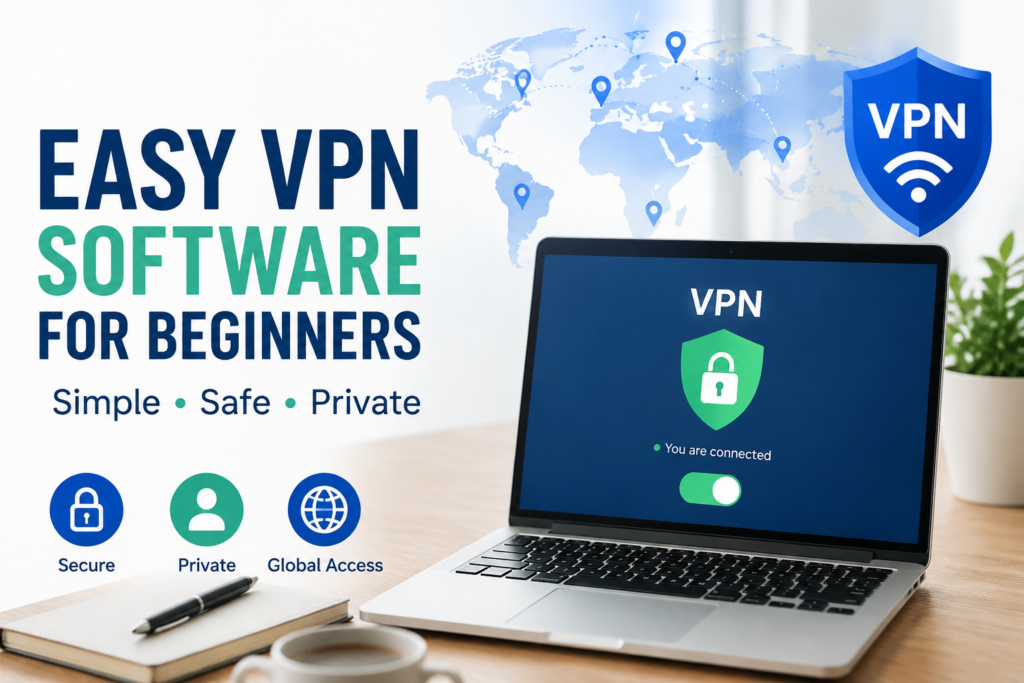
The first thing I look for is a clean interface. When I open VPN software, I want to immediately understand whether the VPN is connected or disconnected. A large connect button is much easier for a beginner than a screen filled with technical settings.
Installation should also be straightforward. Good VPN software normally guides you through downloading the application, signing in, and connecting to a server.
I also prefer VPN applications that clearly explain their features. If an application uses complicated technical language everywhere, beginners can easily become confused.
Automatic Connection
Automatic connection is one feature I really like in VPN software.
Instead of manually selecting a server every time I connect to the internet, some VPN applications can automatically connect when certain conditions are met. For example, the software may be configured to connect automatically when I join an unfamiliar WiFi network.
This can be particularly useful for beginners because it reduces the chance of forgetting to turn the VPN on.
Server Selection
Most VPN applications provide a list of available servers. Beginners should not feel pressured to understand every server.
Usually, the simplest option is to choose the location recommended by the VPN application. Many services provide a quick connect option that automatically selects a suitable server.
If I want to connect through a particular country, I can manually choose a server from the location list. However, I generally recommend keeping things simple when starting out.
VPN Speed
One concern I had when I first learned about VPNs was internet speed.
Because a VPN routes your traffic through another server and encrypts your connection, it can sometimes reduce connection speed. The difference depends on several factors, including the VPN service, server location, network quality, and distance between you and the VPN server.
For normal activities such as browsing websites, checking email, and using social media, a small speed difference may not be noticeable.
If you regularly stream videos, download large files, or participate in online gaming, speed becomes more important. In that situation, I would look for a VPN service with a strong network and servers located reasonably close to me.
Free VPNs or Paid VPNs?
This is one of the biggest questions beginners ask.
Free VPNs can be attractive because you do not have to pay anything. However, I would not automatically choose a VPN simply because it is free.
Running a VPN service requires servers, maintenance, security systems, and technical support. That means a company needs some way to pay for these costs.
Before using a free VPN, I would carefully check its privacy policy, limitations, business model, and reputation. Some free services may have limited server locations, slower speeds, restricted data, or fewer features.
Paid VPN services often provide more server locations, better performance, additional features, and customer support. For someone who wants to use a VPN regularly, I think a reputable paid service can be worth considering.
VPN Privacy Policies Matter
One thing I believe beginners should never ignore is the privacy policy.
A VPN provider handles your internet traffic, so it is important to understand what information the company collects and how it uses that information.
Look for clear explanations about data collection, account information, connection information, and other relevant records.
I would also avoid choosing a VPN based only on advertisements. A professional looking website does not automatically mean a VPN is trustworthy.
It is better to spend a few minutes researching the company before installing its software.
VPN Apps for Windows
For Windows users, installing a VPN is generally straightforward.
I recommend downloading VPN software from the provider’s official website or a trusted application source. After installation, open the application and sign in if an account is required.
Most beginner friendly VPN applications have a simple connect button. Clicking that button usually connects your computer to a VPN server.
Once connected, the application should clearly indicate that the VPN is active.
The exact appearance of the application can differ between providers, but the basic process is usually similar.
VPN Apps for Phones
VPN software is not limited to computers. Many VPN providers also offer applications for Android and iPhone devices.
I personally think a VPN can be especially useful on a phone because we often connect our phones to different networks throughout the day.
When installing a VPN application on a phone, I recommend checking the permissions it requests. You should understand what the application is asking to access and why.
Once installed, most mobile VPN applications work in a similar way to desktop applications. You open the application, choose a server or use the recommended option, and tap connect.
What a VPN Cannot Do
This is an important point for beginners.
A VPN is not a magic security tool.
It cannot automatically protect you from every virus, scam, phishing website, or malicious download. If you voluntarily give your password to a scammer, a VPN cannot undo that mistake.
A VPN also does not replace antivirus software or regular software updates.
I think the best approach is to use a VPN as one part of a broader security strategy. I would combine it with strong passwords, two factor authentication, updated software, secure browsing habits, and caution when opening unknown links or attachments.
Common VPN Mistakes Beginners Make
One common mistake is choosing a VPN only because it has the cheapest price. Price is important, but reliability and privacy should come first.
Another mistake is believing that a VPN makes someone completely anonymous. It does not.
Some beginners also connect to a very distant server without realizing that this can affect performance. If you simply want privacy and good speed, a nearby server is often a sensible choice.
Another mistake is installing random VPN applications from unknown websites. I would always use an official source whenever possible.
My Advice for Choosing an Easy VPN
If I were helping a complete beginner choose a VPN, I would keep the process simple.
First, I would check whether the VPN has a good reputation. Then I would read its privacy information and look at the features available for beginners.
I would also check whether it supports the devices I use. If I mainly use Windows and Android, I would make sure the VPN provides reliable applications for both.
Next, I would look at connection speed, server availability, customer support, and pricing.
Most importantly, I would avoid getting distracted by features that I will never use. A VPN does not need to have an enormous list of settings to be useful.
Final Thoughts
In my opinion, VPN software does not need to be complicated. A good VPN for beginners should make the important things easy. Installing the application should be simple, connecting to a server should take only a few clicks, and the privacy information should be understandable.
For someone who is new to VPNs, I would focus on reliability, privacy, ease of use, speed, and transparent policies. I would not choose a service simply because it has the largest number of features.
A VPN can be a useful tool for protecting your internet connection and adding privacy to everyday browsing. However, I believe it works best when combined with other good security habits.
If you are just starting out, do not worry about understanding every technical detail. Start with the basics, use a reputable VPN provider, keep your software updated, and learn more as you become comfortable.
That is how I would approach VPN software as a beginner. The goal is not to become a security expert overnight. The goal is simply to make your everyday internet use safer, more private, and easier to manage.