When I first started paying more attention to online security, one thing became very clear to me. Managing passwords is harder than it looks. We create accounts for email, social media, shopping websites, banking services, streaming platforms, work tools, and many other services. Remembering a different strong password for every account can quickly become frustrating.
This is where I believe a password manager can make life much easier, especially for beginners.
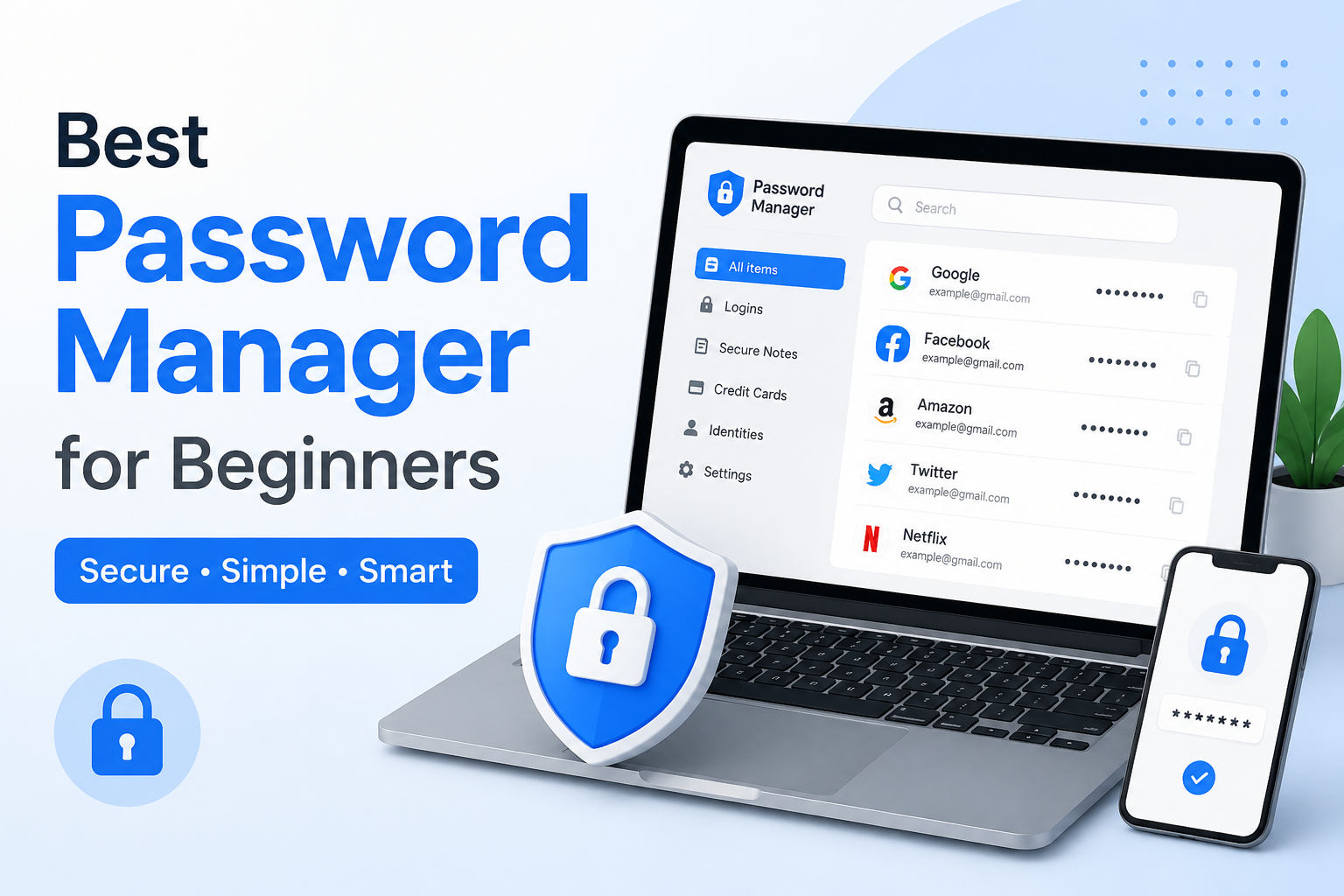
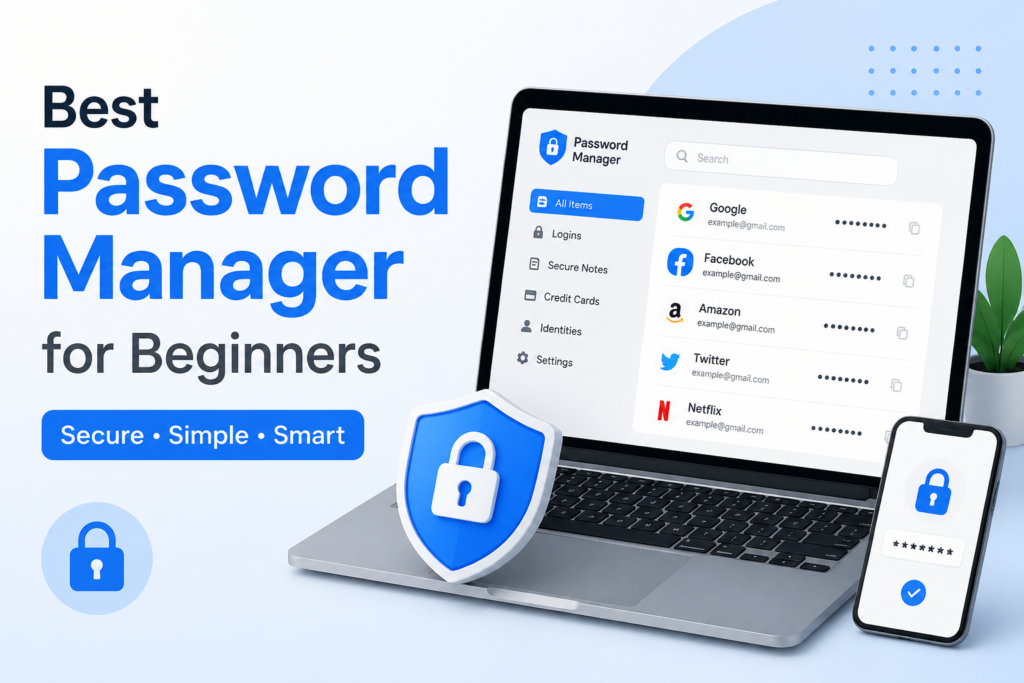
A password manager is an application that stores your passwords securely and helps you create strong passwords when you need them. Instead of remembering dozens of different passwords, you usually only need to remember one main password that protects your password manager.
In this article, I will explain what a password manager is, why I think beginners should consider using one, what features are important, and some of the best options available today.
What Is a Password Manager?
A password manager is a tool designed to securely store your login information. It can remember usernames, passwords, website addresses, and sometimes other information such as secure notes and payment details.
For example, imagine that you have accounts on twenty different websites. Instead of remembering twenty passwords, you can store all of them inside a password manager.
When you visit a website, the password manager can often fill in your username and password automatically. This saves time and also makes it easier to use unique passwords for different accounts.
From my point of view, the biggest advantage is convenience. Good security should not make everyday life unnecessarily difficult. A password manager helps make strong security much easier to maintain.
Why Beginners Should Use a Password Manager
Many people use simple passwords because they are easier to remember. Some people also use the same password on several websites. I understand why this happens because remembering many complicated passwords can be difficult.
However, reusing passwords can create a serious problem. If one website suffers a data breach and your password becomes exposed, attackers may try that same password on your other accounts.
A password manager helps solve this problem because it can generate a different password for every account.
For me, this is one of the most useful reasons to use one. I do not have to think about creating a new complicated password every time I register for a website.
My Favorite Password Manager Features
When choosing a password manager for beginners, I would not focus only on the price. I would also look at how easy it is to use and what security features it provides.
The first feature I would look for is a simple interface. Beginners should not need technical knowledge to understand where their passwords are stored or how to use them.
Another important feature is password generation. A good password manager should be able to create strong and random passwords. These passwords can be much harder for attackers to guess than common words or personal information.
Automatic filling is another feature I find extremely useful. Instead of copying and pasting passwords manually, the password manager can fill the login fields for you.
I would also look for synchronization between devices. If I save a password on my computer, I want to be able to access it from my phone when needed.
Bitwarden
Bitwarden is one of the password managers I would recommend to beginners who want a strong combination of features and affordability.
One thing I like about Bitwarden is that it has a free plan with useful password management features. This makes it easier for someone to start without immediately paying for a subscription.
It can store passwords, generate strong passwords, and synchronize information between supported devices.
The interface may feel slightly more technical than some premium competitors, but I still think it is approachable for beginners after a little practice.
If someone told me they wanted to start using a password manager but did not want to spend money immediately, Bitwarden would be one of the first options I would suggest.
1Password
1Password is another popular choice, especially for people who want a polished and beginner friendly experience.
I think its interface is one of its strongest points. Everything is designed to make password management feel simple rather than complicated.
It supports password storage, password generation, secure notes, and other useful features. It also works across multiple devices.
The main difference for beginners is that 1Password is generally positioned as a paid service. Some people may prefer a free option, but others may be comfortable paying for a service that they use every day.
Personally, I think 1Password is worth considering if ease of use is more important to you than having a completely free password manager.
Proton Pass
Proton Pass is another option I would consider, particularly for people who already use other Proton services.
It provides password storage and password generation and is designed with privacy in mind. The interface is relatively straightforward, which can be helpful for people who have never used a password manager before.
One thing I appreciate about having several choices in this category is that beginners can choose a service based on their own priorities. Some people care most about price, while others care about privacy, simplicity, or compatibility.
Proton Pass is worth exploring if privacy is one of your main concerns.
NordPass
NordPass is another password manager that focuses heavily on simplicity.
For beginners, I think an easy interface can make a big difference. If an application looks confusing, many people will stop using it before they really understand its benefits.
NordPass can store passwords and help generate stronger login credentials. It also provides features designed to make managing passwords across different devices easier.
It is a good option for users who want a straightforward password manager with a modern interface.
What Makes a Good Password Manager?
Before choosing any password manager, I recommend checking a few important things.
First, look at security. Your password manager will contain extremely important information, so security should always be a priority.
Second, check whether the service works on the devices you actually use. If you use Windows on your computer and Android or iPhone on your phone, make sure the password manager supports your setup.
Third, check synchronization. A password manager becomes much more useful when your passwords are available across your devices.
Fourth, look at recovery options. You should understand what happens if you forget your main password or lose access to your account.
Finally, consider the cost. Free password managers can be enough for many beginners, while paid services may provide additional features.
Your Main Password Is Extremely Important
There is one thing I would never ignore when setting up a password manager. Your main password needs to be strong.
The password manager protects all your stored passwords, so the main password should not be something easy to guess.
I recommend creating a long password or passphrase that you can remember but other people would have difficulty guessing. Avoid using obvious information such as your name, birthday, phone number, or common words.
I would also recommend enabling two factor authentication when your password manager supports it.
This provides another layer of protection because someone would need more than just your password to access the account.
Do Not Store Everything Without Thinking
A password manager is useful, but I do not think it means you should blindly store every piece of sensitive information inside it.
Before saving something, think about whether you actually need it there.
Passwords and secure notes can be useful, but you should still understand how the service protects your information.
I also recommend keeping your password manager application updated. Security problems can sometimes be fixed through updates, so ignoring updates is not a good idea.
Should Beginners Use a Free Password Manager?
In my opinion, yes.
A free password manager can be a great starting point if you have never used one before. You can learn how password managers work and decide whether you need additional features later.
For many people, the most important thing is simply starting to use unique passwords instead of repeating the same password everywhere.
If a free service provides the features you need, there is no reason to pay simply because a premium plan exists.
At the same time, paid services can be useful for families, advanced features, additional storage, or people who prefer a particular user experience.
Password Manager or Browser Password Saving?
Modern browsers can save passwords, and this can be useful. However, I personally prefer using a dedicated password manager when managing many accounts.
A dedicated password manager can provide additional features such as password auditing, secure notes, password generation, and broader device support.
Browser password storage can still be useful for casual users, but a dedicated password manager gives me more control over my passwords.
My Final Recommendation
If you are a complete beginner, I would start by looking at Bitwarden, 1Password, Proton Pass, and NordPass.
I would choose Bitwarden if keeping costs low is my biggest priority. I would consider 1Password if I wanted a polished and beginner friendly experience. Proton Pass would be worth considering if privacy is especially important to me, while NordPass is a good option for someone who prefers a simple modern interface.
The most important thing, however, is not choosing the most expensive or most popular password manager. The important thing is developing better password habits.
Use a unique password for every important account. Make your passwords long and difficult to guess. Enable two factor authentication wherever possible. Keep your devices updated and be careful about suspicious login pages.
From my point of view, a password manager is one of the easiest security tools a beginner can adopt. It removes much of the stress of remembering passwords while making it easier to create stronger and more unique login credentials.
Once you start using one, you may wonder how you ever managed dozens of passwords without it.