Creating a good presentation used to take a lot of time. I remember how difficult it could be to choose a design, arrange slides, find suitable images, and write everything in a way that looked professional. For beginners, presentation making can feel even more confusing because there are so many things to manage at once.
Today, AI presentation software has made this process much easier. With the help of artificial intelligence, beginners can create attractive presentations without having advanced design skills. You can provide a topic, add a few instructions, and let the software help you create the structure, content, and visual design.
In my opinion, AI presentation tools are especially useful for students, teachers, freelancers, office workers, and small business owners. They can save time and make the presentation process much less stressful.
In this article, I will share some of the best AI presentation software for beginners and explain what makes each tool useful.
What Is AI Presentation Software?
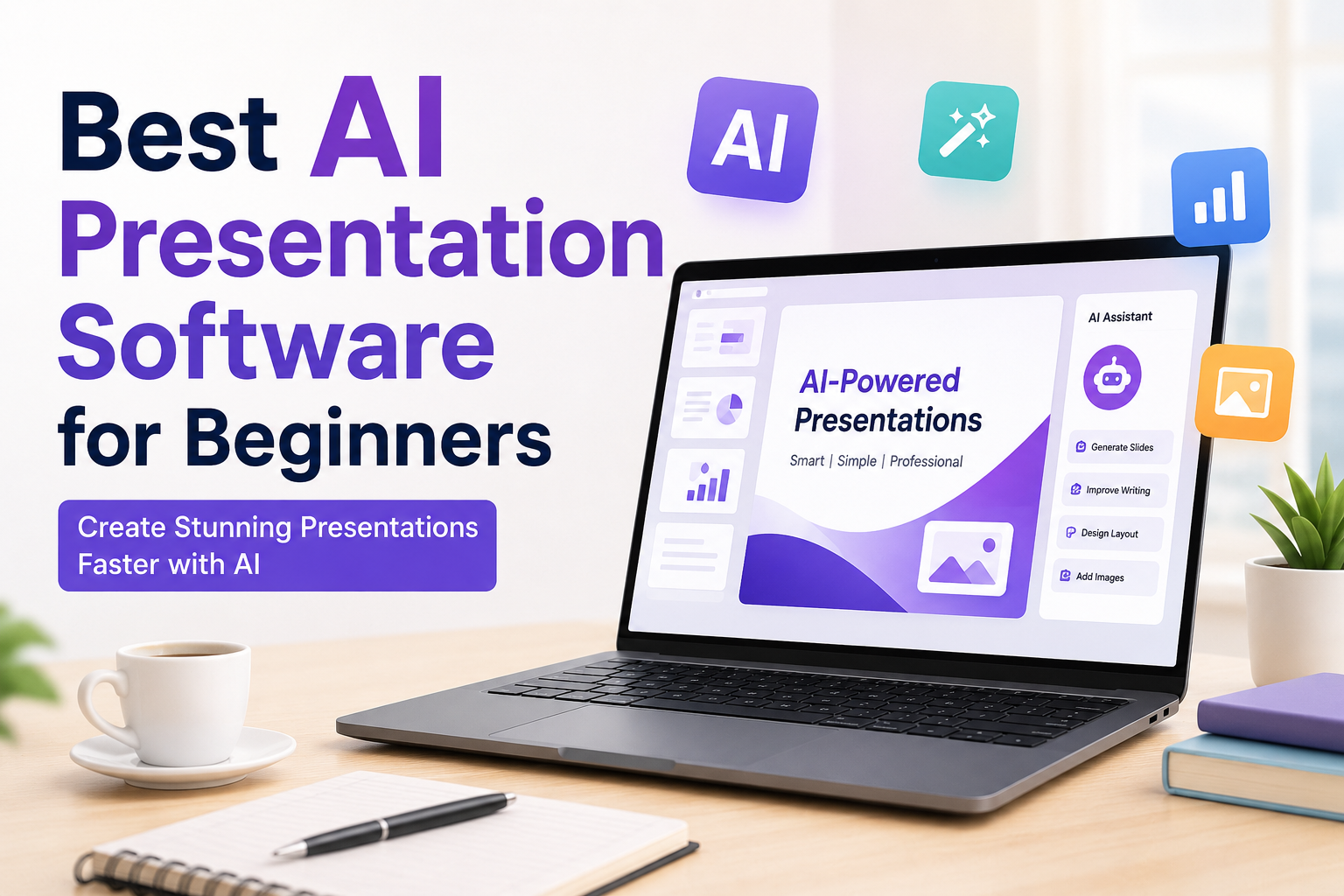
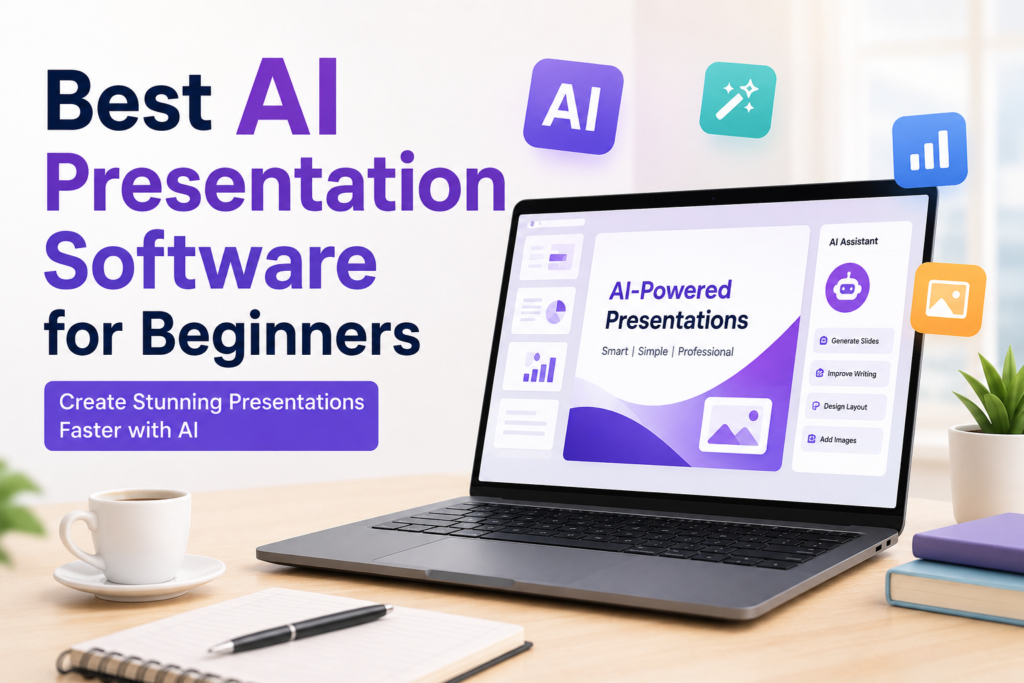
AI presentation software is a tool that uses artificial intelligence to help users create presentations. Instead of designing every slide manually, you can give the software a topic or a short description.
The AI can then suggest slide titles, generate text, organize information, recommend layouts, and sometimes create images or other visual elements.
For example, if I want to create a presentation about digital marketing, I can simply enter the topic. An AI presentation tool may create slides covering topics such as digital marketing basics, social media marketing, search engine optimization, content marketing, email marketing, and future trends.
This can give me a starting point that I can edit according to my own requirements.
Why Beginners Should Use AI Presentation Tools
The biggest advantage I see is time saving. Creating a presentation manually can take several hours, especially when you are not comfortable with design software.
AI can handle many repetitive tasks for you. It can create an initial structure and give you design ideas. You can then focus on improving the information instead of spending most of your time adjusting fonts and layouts.
Another advantage is that beginners do not need to be professional designers. Many AI presentation platforms automatically create layouts that look clean and organized.
AI tools can also help when you do not know where to start. Sometimes the hardest part of making a presentation is simply creating the first slide. AI can give you an outline that you can improve.
1. Gamma
Gamma is one of the AI presentation tools I would recommend to beginners who want a simple way to create presentations.
The main idea behind Gamma is that you provide a topic or instructions, and the platform helps generate a presentation. It can create the basic structure and arrange the content into visually appealing cards and pages.
What I like about this type of tool is that you do not have to begin with a completely empty presentation. You can start with an AI generated draft and then change the content.
Gamma can be useful for students, business presentations, project ideas, reports, and educational content.
For beginners, the simple workflow can make presentation creation feel much easier.
2. Canva
Canva is already popular among beginners because of its simple drag and drop interface. Its AI features make it even more useful for presentations.
I personally think Canva is a good choice for people who want both AI assistance and manual control.
You can start with a presentation template and customize colors, fonts, images, icons, and layouts. AI features can also help with generating content and visual ideas.
The biggest advantage of Canva is the huge collection of templates and design elements. If you do not like the first design, you can easily experiment with another style.
For students and beginners who want to learn presentation design while using AI, Canva can be a practical option.
3. Microsoft PowerPoint with AI Features
PowerPoint is one of the most familiar presentation programs, so it is worth considering for beginners who already use Microsoft products.
Modern versions of PowerPoint include AI powered features that can assist with creating and improving presentations. Depending on the available plan and features, AI assistance can help with content, slide organization, design suggestions, and other tasks.
What I like about using PowerPoint is that it remains a familiar environment. If you have already created presentations in PowerPoint, you do not need to learn a completely new platform.
It can be particularly useful for students, teachers, office employees, and professionals who need presentations for work.
4. Beautiful.ai
Beautiful.ai focuses heavily on presentation design. It is designed to help users create professional looking slides without manually controlling every design detail.
For beginners, this can be helpful because the software handles many layout decisions automatically.
Instead of spending a lot of time trying to make different elements fit correctly, you can concentrate on the message you want to communicate.
I think Beautiful.ai is particularly useful for business presentations, sales presentations, company reports, and professional projects.
If your main concern is creating clean and polished slides without becoming a design expert, this type of software can be a good option.
5. SlidesAI
SlidesAI is another interesting option for beginners. It is designed to help turn written information into presentation slides.
This can be useful when you already have notes or text but do not want to manually convert everything into slides.
For example, if I have a long article about online education, I can use the information as a starting point and allow the tool to organize it into presentation content.
I would still review every slide because AI generated content can sometimes be too general or may not match the exact message I want to communicate.
The biggest benefit is that it can reduce the amount of manual work involved in creating the initial presentation.
6. Prezi
Prezi is known for its unique presentation style. Instead of using only traditional slide by slide transitions, it allows presentations to move around a larger visual canvas.
For beginners who want something different from traditional PowerPoint slides, Prezi can be interesting.
Its AI related features can help users develop presentation content and structure. The visual style can also make certain presentations feel more dynamic.
I think Prezi can work well for educational presentations, storytelling, business ideas, and topics where visual connections between different ideas are important.
However, beginners should avoid adding too many visual movements. A presentation should remain easy to follow.
7. Tome
Tome is another AI focused presentation platform that can help users turn ideas into visual presentations.
The process is relatively simple. You provide information about what you want to create, and the AI helps generate a starting point.
One thing I appreciate about AI presentation software like Tome is that it encourages users to think about the story behind the presentation rather than only individual slides.
For example, if I were preparing a presentation about a new business idea, I would want the presentation to explain the problem, the solution, the target audience, the benefits, and the future plan.
An AI tool can help organize these ideas into a logical flow.
How to Choose the Best AI Presentation Software
There is no single AI presentation tool that is perfect for everyone. In my opinion, beginners should consider a few important things before choosing one.
First, look at ease of use. If the software is difficult to understand, it may take more time to learn than traditional presentation software.
Second, check the quality of AI generated content. A tool may create attractive slides, but the information still needs to be accurate and useful.
Third, consider templates and customization options. Some people want AI to do almost everything, while others want to change every detail themselves.
Fourth, look at export options. Make sure the software allows you to use your presentation in the format you need.
Finally, check pricing. Many AI presentation platforms offer free plans or limited free features, while advanced tools may require a subscription.
Tips for Creating Better AI Presentations
AI can make presentation creation easier, but I do not recommend allowing AI to do everything without checking the result.
The first thing I do is provide clear instructions. Instead of writing only “Create a presentation about technology,” I would provide more information about the audience, number of slides, purpose, and important topics.
I also review every slide after AI generates the presentation. Sometimes AI writes too much text. A presentation should not look like a full article placed on slides.
I prefer short points, simple explanations, useful images, and enough empty space.
Another important tip is to use consistent colors and fonts. A presentation looks more professional when the design remains consistent from beginning to end.
You should also verify facts, statistics, names, dates, and other important information. AI can make mistakes, so human review is still necessary.
AI Presentation Software for Students
Students can benefit greatly from AI presentation tools. Preparing school or university presentations can take a lot of time, especially when students have to balance multiple assignments.
AI can help students create an outline, organize research, and prepare a visual structure.
However, I believe students should use AI as a helper rather than submitting completely AI generated work without understanding it.
The student should read the content, check the information, and make the presentation their own.
AI Presentation Software for Business
Small businesses and freelancers can also benefit from AI presentation software.
A business owner may need a presentation for a client meeting, product proposal, marketing strategy, sales pitch, or business plan.
AI can help create the first version quickly. This allows the business owner to spend more time improving the message and preparing for the actual meeting.
For professional use, I would pay particular attention to branding. Adding your own logo, colors, business information, and examples can make an AI generated presentation feel more personal.
My Final Thoughts
In my opinion, AI presentation software is one of the most useful developments for beginners who struggle with presentation design.
Tools such as Gamma, Canva, Microsoft PowerPoint, Beautiful.ai, SlidesAI, Prezi, and Tome can make different parts of the process easier. Some focus more on design, while others focus on AI generated content and structure.
I would not choose a tool simply because it says it uses AI. The most important thing is whether it helps me create a clear, useful, and professional presentation without making the process complicated.
For someone completely new to presentation design, I would start with a simple platform such as Canva or Gamma. After becoming comfortable with AI assisted presentations, I would experiment with other tools and find the one that fits my personal workflow.
The main thing to remember is that AI should support your ideas, not replace them. A good presentation still needs your knowledge, creativity, personal examples, and judgment.
When you combine your own ideas with the speed of AI, creating presentations becomes much easier. That is why I believe AI presentation software is worth trying, especially for beginners who want to save time and create better looking presentations without becoming professional designers.