When I first started looking for productivity software, I found the whole thing a little confusing. There were so many apps and tools available that I could not understand which ones were actually useful and which ones would simply add more work to my day. Over time, I realized that productivity software is not about having dozens of applications. It is about choosing a few simple tools that help you organize your work, manage your time, and stay focused.
In my opinion, beginners should always start with simple productivity software. You do not need complicated systems or expensive subscriptions when you are just getting started. A good productivity tool should make your daily routine easier rather than making you spend hours learning how to use it.
In this article, I will explain some of the most useful types of productivity software for beginners, what they can do, and how you can use them in your everyday life.
What Is Productivity Software?
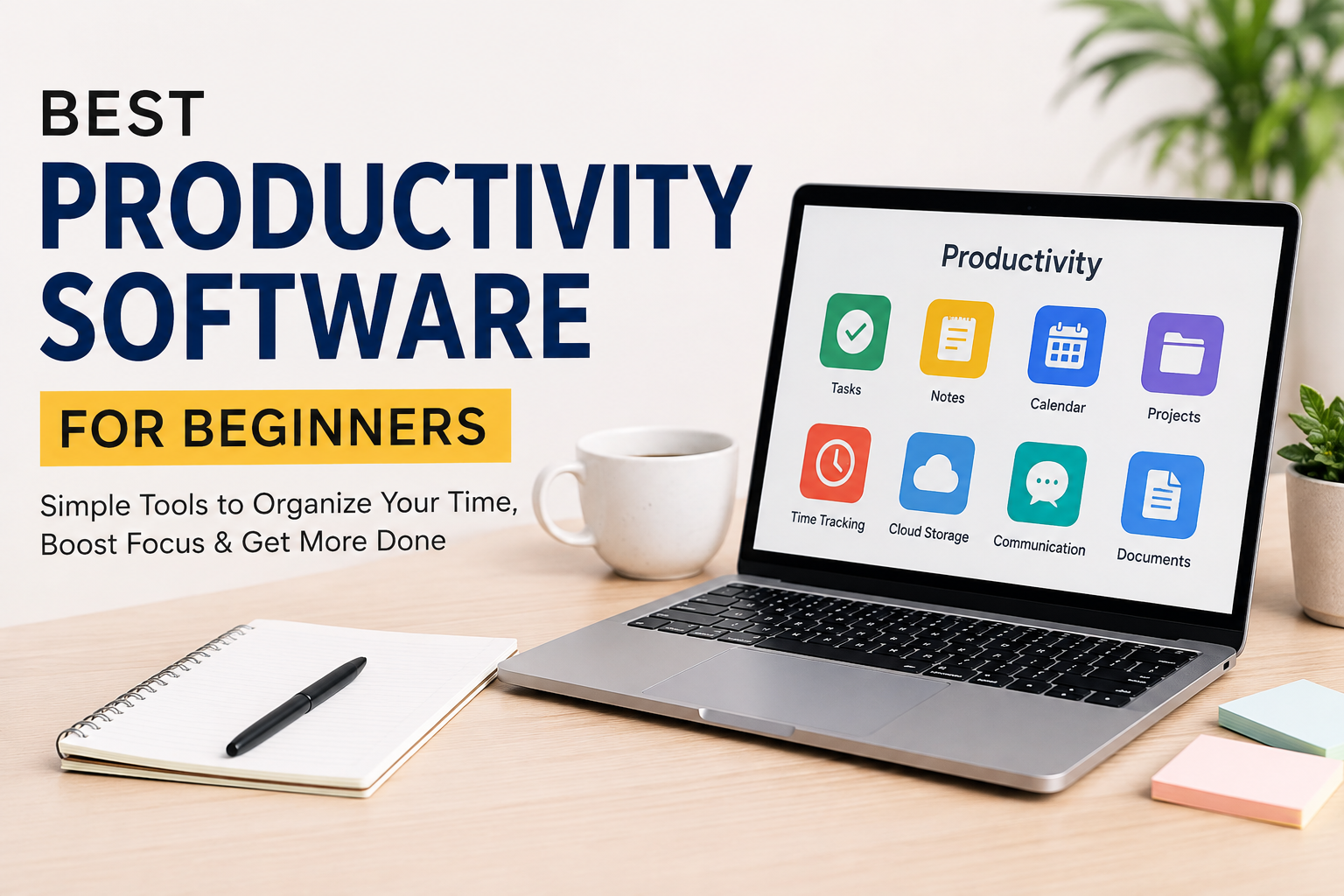
Productivity software is designed to help people complete tasks more efficiently. These tools can help with writing, planning, note taking, time management, communication, file organization, project management, and many other activities.
For example, if you often forget important tasks, a task management application can help you create a list and set reminders. If you have trouble organizing your ideas, a note taking application can give you one place to store everything.
I believe the main purpose of productivity software is simple. It should reduce unnecessary effort and give you more control over your time.
Why Should Beginners Use Productivity Software?
One of the biggest benefits of productivity software is organization. Without a proper system, it is easy to forget deadlines, lose important information, or spend too much time deciding what to do next.
A simple productivity application can give you a clear picture of your responsibilities.
For example, I like the idea of starting each day by looking at my most important tasks. Instead of trying to remember everything in my head, I can write it down and focus on completing one task at a time.
Productivity software can also help reduce distractions. When your tasks, notes, documents, and schedules are organized, you do not need to constantly search for information.
1. Task Management Software
For beginners, I think task management software is one of the best places to start.
A task management tool allows you to create tasks and organize them according to your priorities. You can usually add deadlines, reminders, categories, and notes.
For example, you might create tasks such as writing an article, attending a meeting, completing an assignment, or responding to emails.
The biggest advantage is that you do not have to depend completely on your memory.
I personally think beginners should keep their task lists simple. Instead of creating a huge list containing every small activity, focus on the important things that actually need your attention.
You can organize tasks into categories such as Today, This Week, and Later. This makes your workload easier to understand.
2. Note Taking Software
Another useful category is note taking software.
Most people have ideas throughout the day, but those ideas can easily disappear if they are not written down. Note taking software provides a convenient place to save information.
You can use it for meeting notes, study material, personal ideas, research, shopping lists, project information, or anything else you want to remember.
What I like about digital notes is that they are usually searchable. If you have hundreds of handwritten pages, finding one specific piece of information can be difficult. With digital notes, you can often search for a word and find what you need quickly.
For beginners, I recommend avoiding complicated note taking systems. Start with a few simple folders or categories and improve your organization as your needs grow.
3. Calendar Software
A digital calendar is another productivity tool that I believe almost everyone can benefit from.
A calendar helps you manage appointments, meetings, deadlines, events, and personal activities.
Instead of trying to remember when something needs to happen, you can put it directly into your calendar.
One mistake beginners often make is using a calendar only for meetings. I think it can be much more useful than that. You can also use it to block time for important work.
For example, if you need two hours to write an article, you can reserve that time on your calendar. This creates a clear commitment and can make it easier to avoid unnecessary distractions.
4. Project Management Software
Project management software is especially useful when you are working on larger projects.
A project can contain many different tasks, deadlines, documents, and people. Managing everything through random messages or notes can quickly become difficult.
Project management tools allow you to organize a project into smaller parts.
For example, if you are building a website, you might have tasks for choosing a domain, creating the design, writing content, testing pages, and publishing the website.
Seeing these tasks in one place can make a complicated project feel much easier.
However, I would not recommend advanced project management software to someone who only needs a simple task list. The right tool depends on the complexity of your work.
5. Time Tracking Software
Time tracking software can be useful if you want to understand how you actually spend your day.
Sometimes we believe that we spend several hours working, but when we look closely, we discover that a large amount of time went toward social media, unnecessary browsing, meetings, or other distractions.
A time tracking application can show where your working hours are going.
This can be particularly helpful for freelancers and remote workers who charge clients based on time.
Even if you are not a freelancer, tracking your time for a few days can teach you something about your habits.
In my opinion, the goal should not be to track every second forever. Instead, use time tracking occasionally to understand your routine and identify areas that need improvement.
6. Cloud Storage Software
Cloud storage is another important productivity solution.
It allows you to store files online and access them from different devices. This can be extremely useful when you work from a computer at home but also need your files while traveling or working somewhere else.
Cloud storage can also make file sharing easier.
For example, instead of sending a large file through email, you can upload it to cloud storage and share access with another person.
I also think cloud storage provides an extra layer of convenience because you are less dependent on one particular device.
However, important files should still be managed carefully. You should use strong passwords and appropriate security settings.
7. Communication Software
Communication tools have become an important part of modern productivity.
If you work with a team, you may need software for messaging, video meetings, file sharing, and collaboration.
The benefit is that people can communicate without always needing to meet physically.
However, I think communication software can become a productivity problem when it is used excessively. Constant notifications can interrupt your concentration.
For this reason, I prefer turning off unnecessary notifications and checking messages at specific times instead of reacting to every notification immediately.
8. Document and Writing Software
Writing software is useful for students, bloggers, employees, freelancers, and almost anyone who works with information.
A good document editor allows you to create reports, articles, assignments, proposals, and other documents.
Modern writing tools may also include spelling and grammar suggestions, collaboration features, templates, and cloud saving.
For beginners, the most important thing is not choosing the tool with the largest number of features. A simple writing environment can often be better because it allows you to concentrate on the actual content.
How to Choose the Right Productivity Software
Choosing productivity software does not have to be difficult.
The first thing I would ask is what problem you are trying to solve.
If you forget tasks, choose a task manager.
If you lose ideas, choose a note taking tool.
If you miss appointments, use a calendar.
If you manage complex projects, consider project management software.
If you waste too much time, try time tracking software.
I would also recommend checking whether the software is easy to use. A tool can have hundreds of features, but if you do not understand how to use it, those features do not provide much value.
Price is another consideration. Beginners should not feel pressured to purchase expensive software immediately. Many productivity tools provide free plans or basic versions that are enough for personal use.
Do Not Use Too Many Productivity Apps
This is probably one of the most important lessons I have learned about productivity.
It is easy to become obsessed with finding the perfect productivity system. You download one application for tasks, another for notes, another for calendars, another for habits, and another for time tracking.
Soon, managing your productivity system becomes a task itself.
I believe beginners should start with one or two tools and only add another tool when there is a real need.
The software should support your workflow, not control it.
Productivity Software Is Not a Magic Solution
It is also important to understand that productivity software cannot make you productive by itself.
You can have the best task manager in the world and still avoid your important work.
Software is simply a tool. Your habits, discipline, priorities, and ability to focus are still important.
For me, the best productivity system is one that is simple enough to use every day.
I would rather use a basic application consistently than use a complicated system for a week and then abandon it.
Final Thoughts
In my opinion, the best productivity software for beginners is not necessarily the software with the most features. It is the software that solves a real problem without creating additional complexity.
Task management software can help you organize responsibilities. Note taking tools can keep your ideas in one place. Calendar applications can help manage your schedule. Project management tools can organize larger projects. Time tracking software can show where your hours are going, while cloud storage and communication tools can make collaboration easier.
The most important thing is to start small.
Choose one area of your life that needs better organization and find a simple tool for it. Use that tool consistently for a few weeks and see whether it genuinely makes your life easier.
Once you understand your own workflow, you can add more tools when necessary.
At the end of the day, productivity is not about having more applications on your computer or phone. It is about using technology wisely so you can spend less time organizing your work and more time actually getting it done.